Popular Games
 All Games












Extra Bonus

 Log in to get 50 points (0.50 USD) + 0 points (0 USD)
Tiles Survive



Login To Claim



















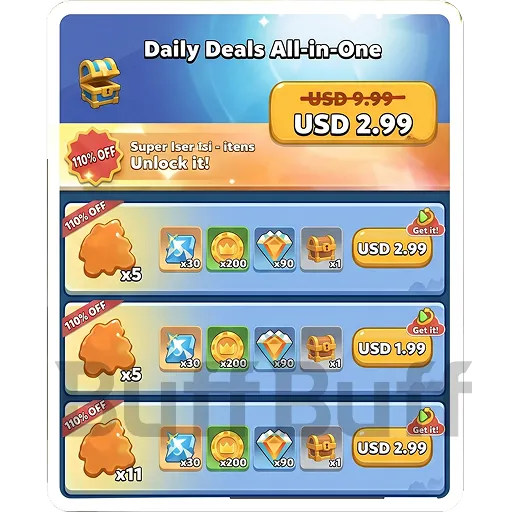

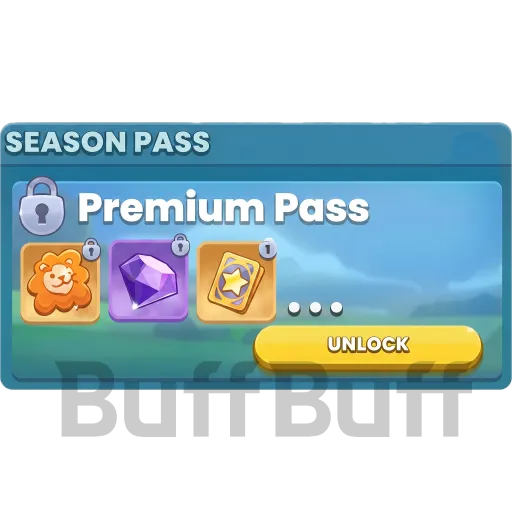


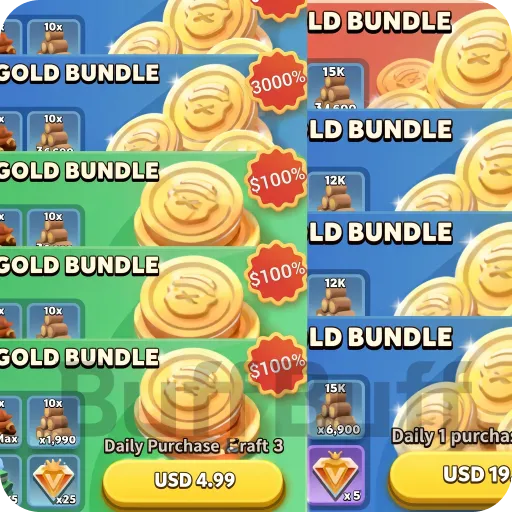

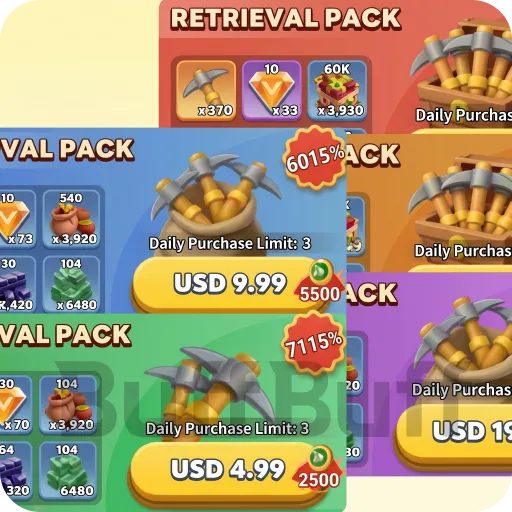
How to recharge Tiles Survive on BuffBuff?
To make sure everything goes smoothly, just follow these steps and fill in the info we need:
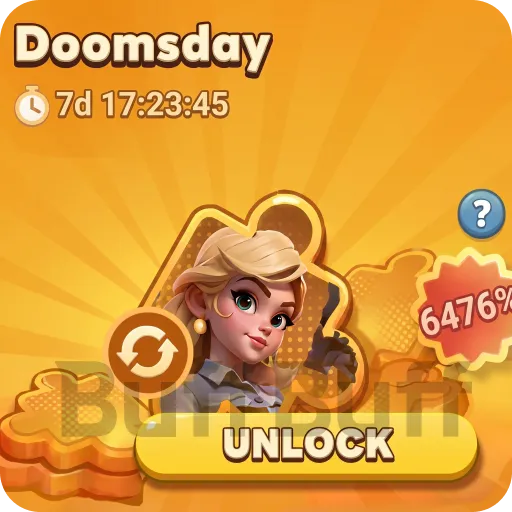
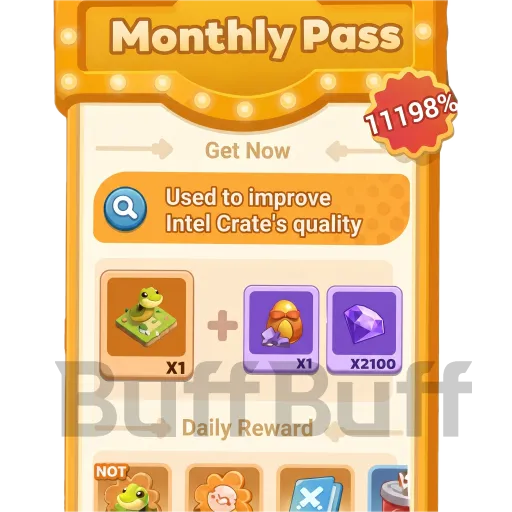
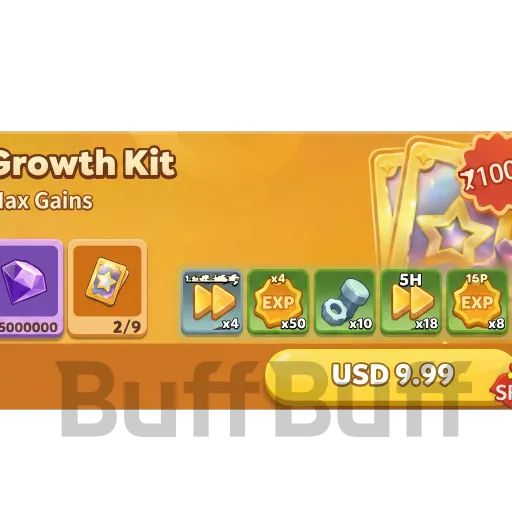
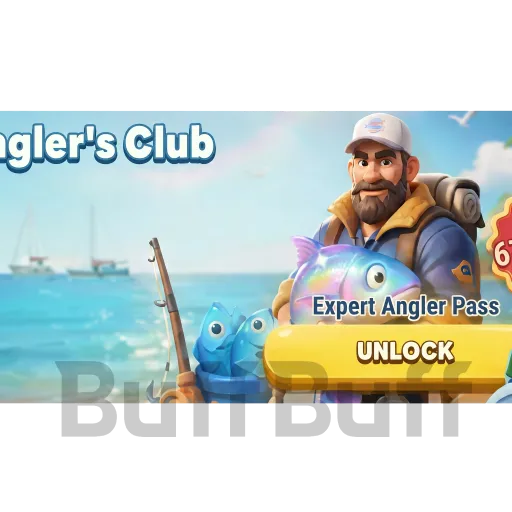
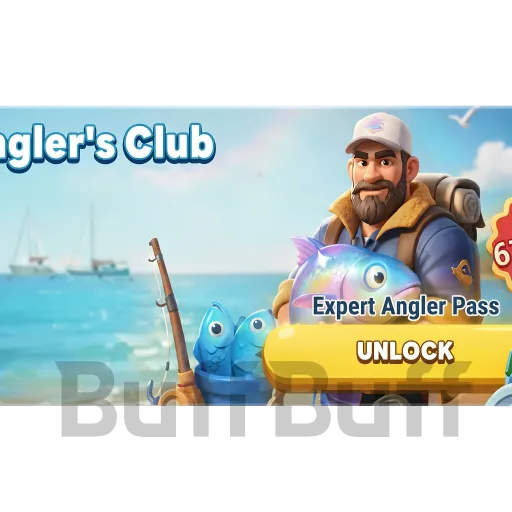
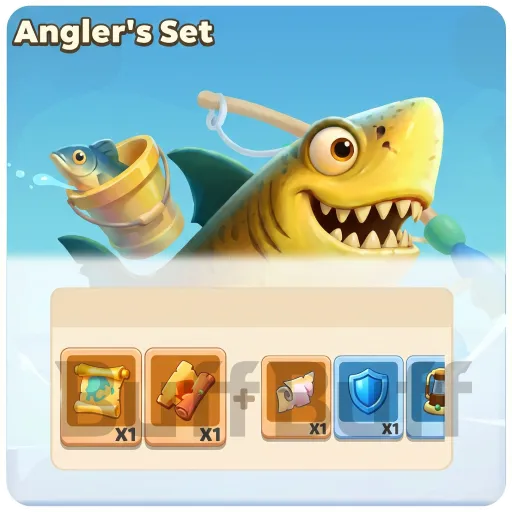
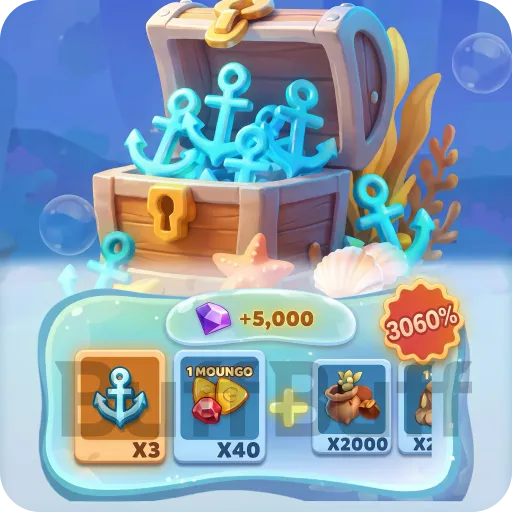
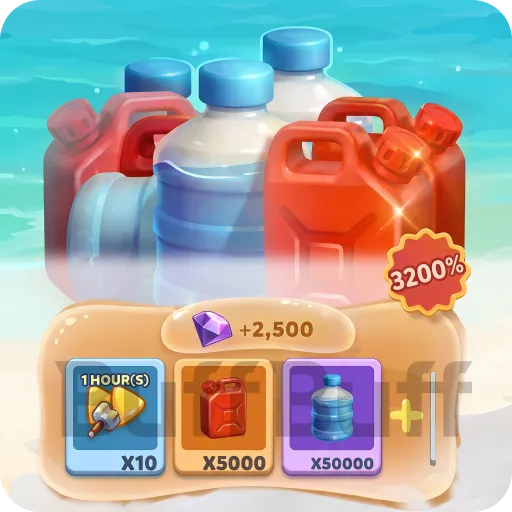
1. Pick your pack – Choose the Waypoints, Passes, or All-In-One Bundles you want.
2. Enter your account details
Game UID – You can find this in your in-game profile.
User ID – This is your unique Tiles Survive Player ID.
Login method – Pick from Facebook, Google, or Funplus (Funplus ID is best if you want the fastest processing).
Password / verification code – If you go with verification code login, just put anything in the [Fill in Information] → [Password/Verification Code] box for now.
3. Checkout – Pick your payment method and finish the transaction. After that, our 24/7 support will reach out for an Email Verification Code. Try to stay online so we can get it done faster.
How to find your UID?
Tap the avatar in the top-left corner of the main game screen – your UID will be right there.
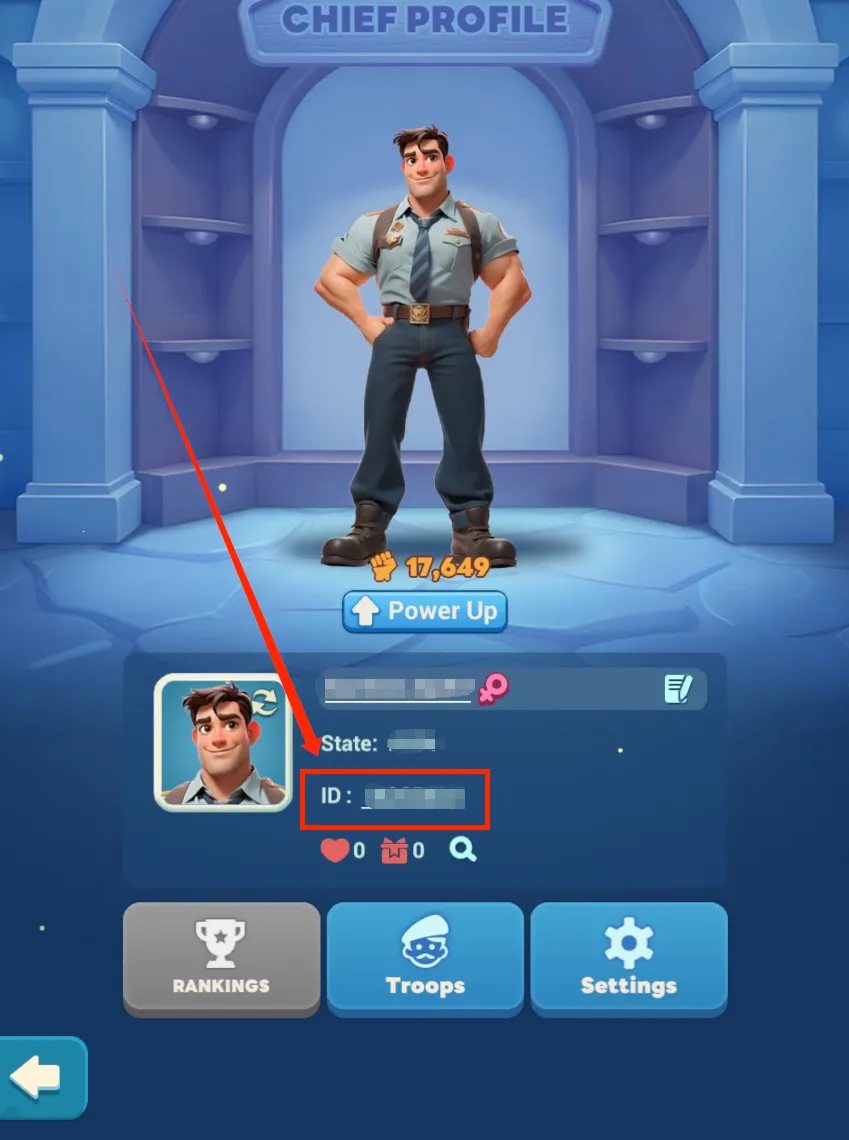
How to link your FunPlus ID:
Tap the "Avatar" in the top left → Go to "Settings" → Tap "Account"
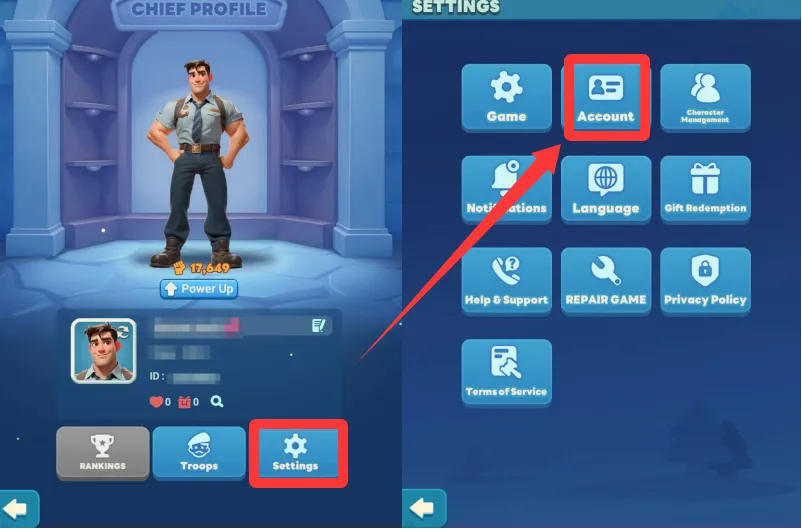
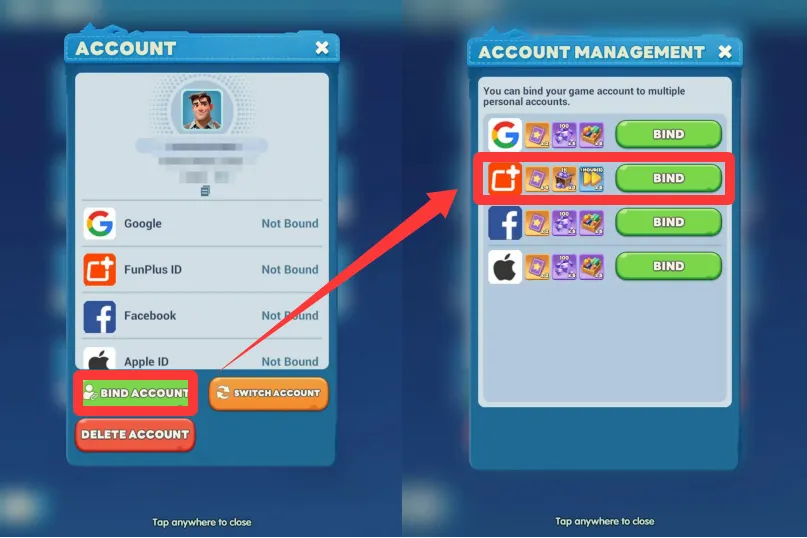
Tap "Bind Account" – then link your FunPlus ID
User Reviews








Get BuffBuff App


scan to download

Coupon Details

This account has already received the First Bonus, it will not be issued again this time