Popular Games
 All Games












Extra Bonus

 Log in to get 50 points (0.50 USD) + 0 points (0 USD)
Rememento White Shadow(SEA)



Login To Claim





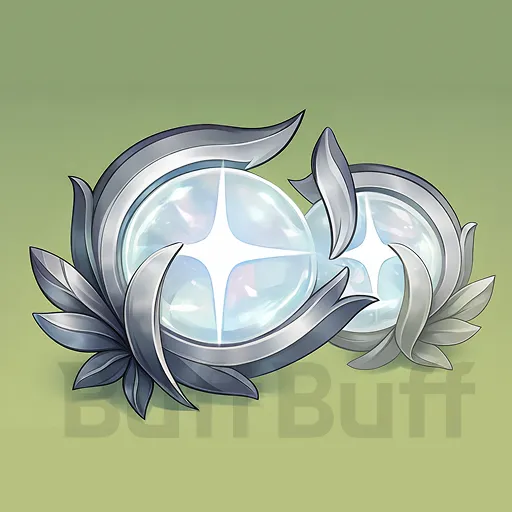

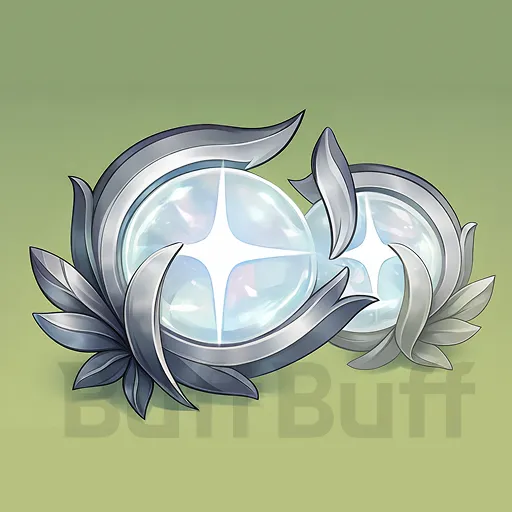
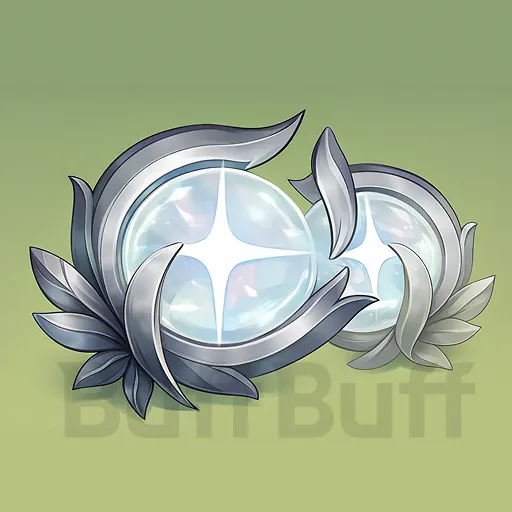
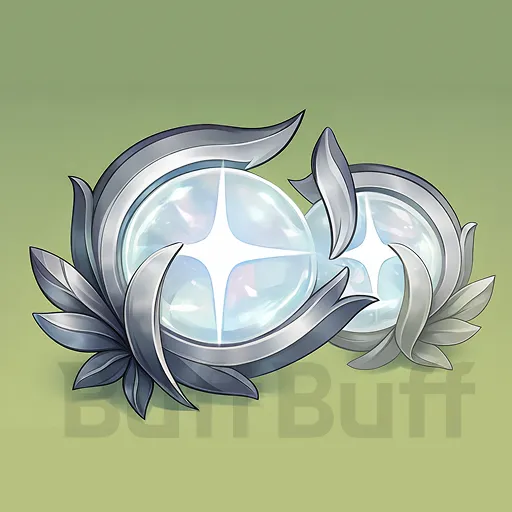
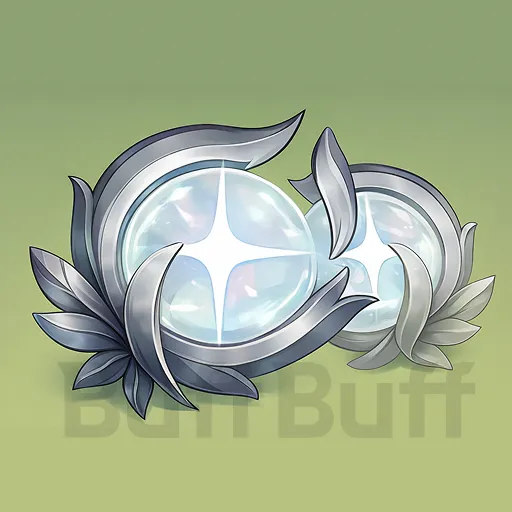
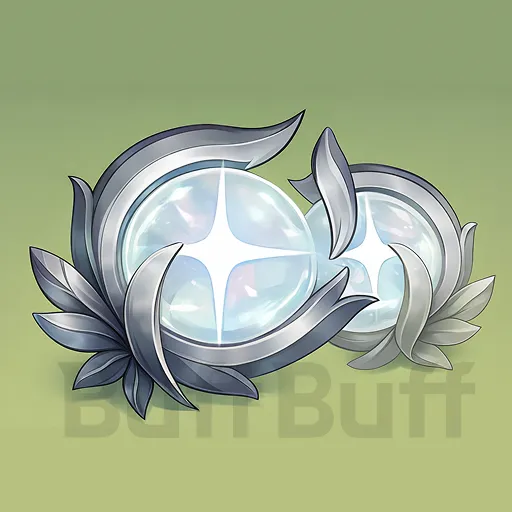
Rememento White Shadow Top Up - Buy Glowing memory at 23% OFF
Essential Info for BuffBuff Rememento White Shadow Top up
-
Your Rememento White Shadow UID + Server (SEA Only)
-
*Please double-check all entered information to ensure a smooth recharge process.
How to Find Your Rememento White Shadow UID and Server ?
-
Log in to your Rememento: White Shadow account.
-
The login screen shows your server.
-
Once logged in, open the top-right menu.
-
Click your top-right profile to see your UID at the top.
How to Top Up Glowing Memory at BuffBuff:
-
Visit the official BuffBuff website and choose your language and currency.
-
Pick the Glowing Memory pack and desired quantity.
-
Provide your Rememento White Shadow UID and Server, then click “Top Up”.
-
Choose a payment method and complete the transaction.
-
Monitor the recharge status in your order history. Verify receipt in-game once completed.
About Rememento White Shadow(SEA)
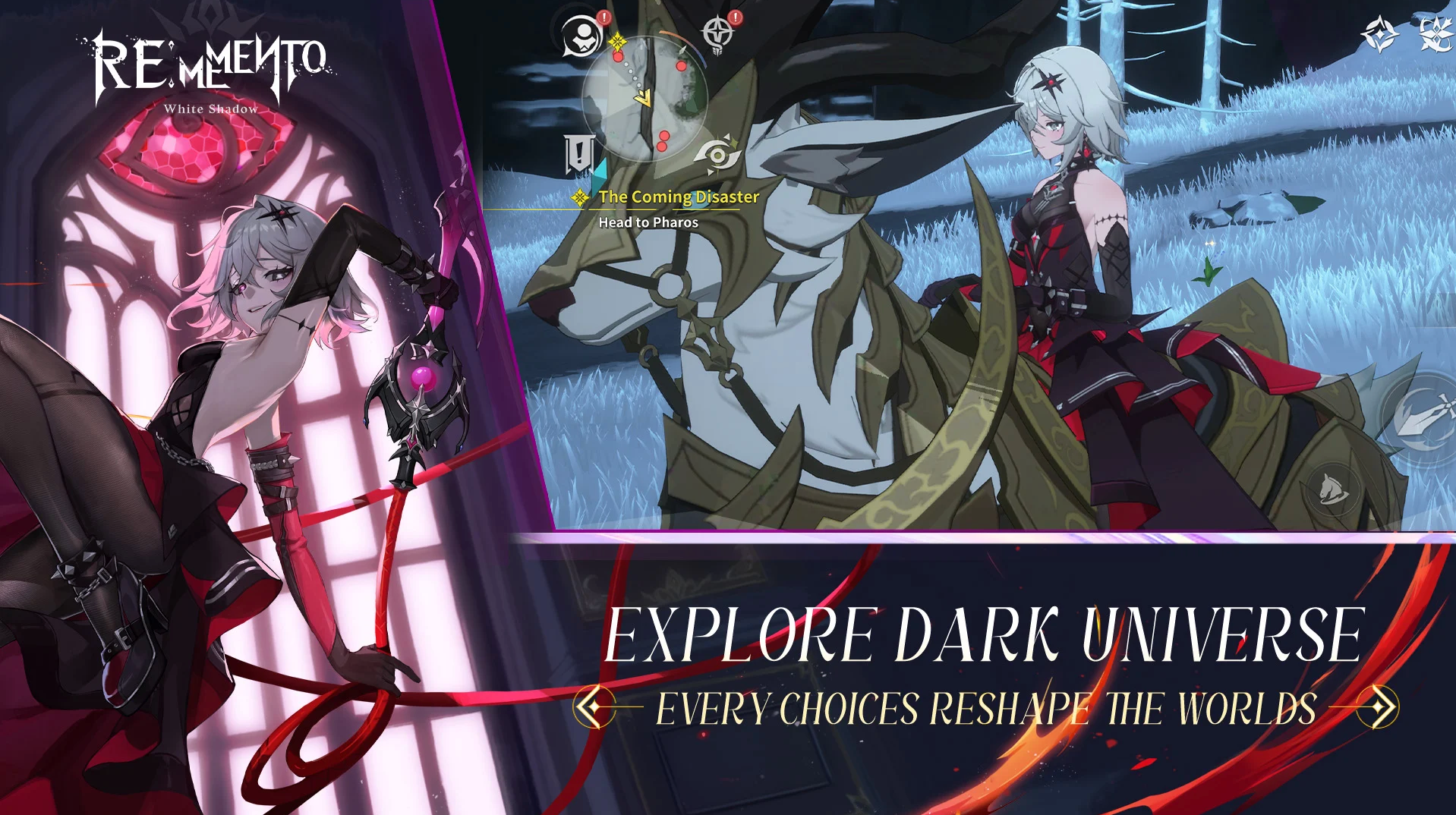
This is a unique open-world RPG where you explore a huge map and fight in tactical turn-based battles. You will travel through a beautiful dark fantasy world, collect teammates, and use cool elemental combos to beat your enemies. Either you want intense PvP action or just want to relax and farm resources with auto-play, this game fits your style perfectly.
What’s Rememento: White Shadow Glowing Memory?
Rememento White Shadow Glowing Memory is the premium currency to grab the best packs and cool skins from the shop. Most players use it to buy Dawn Stones, used to summon powerful new heroes and weapons. A Rememento White Shadow top-up is the easiest shortcut to ensure you have enough savings to build your dream team.
How to Get Glowing Memory in Rememento: White Shadow
You can sometimes earn a bit of free Rememento White Shadow Glowing Memory by joining community events or claiming daily login rewards. The devs might also send some to your mailbox, but it’s rarely enough for big purchases. It may be a nice bonus, but you really can’t depend on it to grow your account.
For a steady stash, the smartest move is a direct Rememento White Shadow recharge on a trusted site like BuffBuff. When you decide to top up Rememento White Shadow here, you get a super fast and safe deal without any hassle. This way, you can skip the wait.
What do I get from summons after a Rememento White Shadow recharge?
Using your Rememento White Shadow recharge mainly gets you two things: playable heroes called Remementos or memory gears called Nemonics. You really need those rare Nemonics from a Rememento White Shadow top up to boost your stats and beat the tough stages easily.
Can I use Glowing Memory to improve my PvP standing?
Yes, you can use Rememento White Shadow Glowing Memory to max out your units or grab the best meta characters for the season. A top-up also lets you buy extra tickets, so you can top up Rememento White Shadow rank points and climb the ladder quickly.
How do Pharos Packages help my progress?
These packs help you skip the boring grind by giving you instant upgrade materials for your characters. Spending Rememento White Shadow Glowing Memory here often guarantees rare items that are super hard to find, making a top-up worth it for a quick power boost.

Get BuffBuff App


scan to download

Coupon Details

This account has already received the First Bonus, it will not be issued again this time