Popular Games
 All Games











Extra Bonus

 Log in to get 50 points (0.50 USD) + 2 points (0.02 USD)
monopoly go



Login To Claim







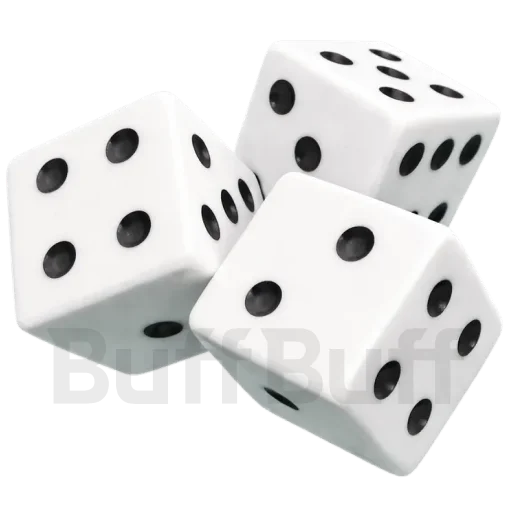
Monopoly Go Top Up 27% Off — Keep Your Dice Ready
Required Info MONOPOLY GO! Top Up: A Step-by-Step Guide
-
To add Dice Rolls in MONOPOLY GO!, please provide your account name, password, and username.
Ensure successful order processing: Complete required info accurately,
verify before submission to avoid delays. Correct details make for a smooth transaction.
MONOPOLY GO! Top Up: A Step-by-Step Guide
-
Choose your desired product and quantity.
-
Enter your MONOPOLY GO! account details and click “Top Up.”
-
Review your info, pick a payment method, and apply any available coupons (e.g., New Customer Coupon).
-
Complete the payment and track your order in the Order Center.Once processed, verify the top-up in the game.
About monopoly go
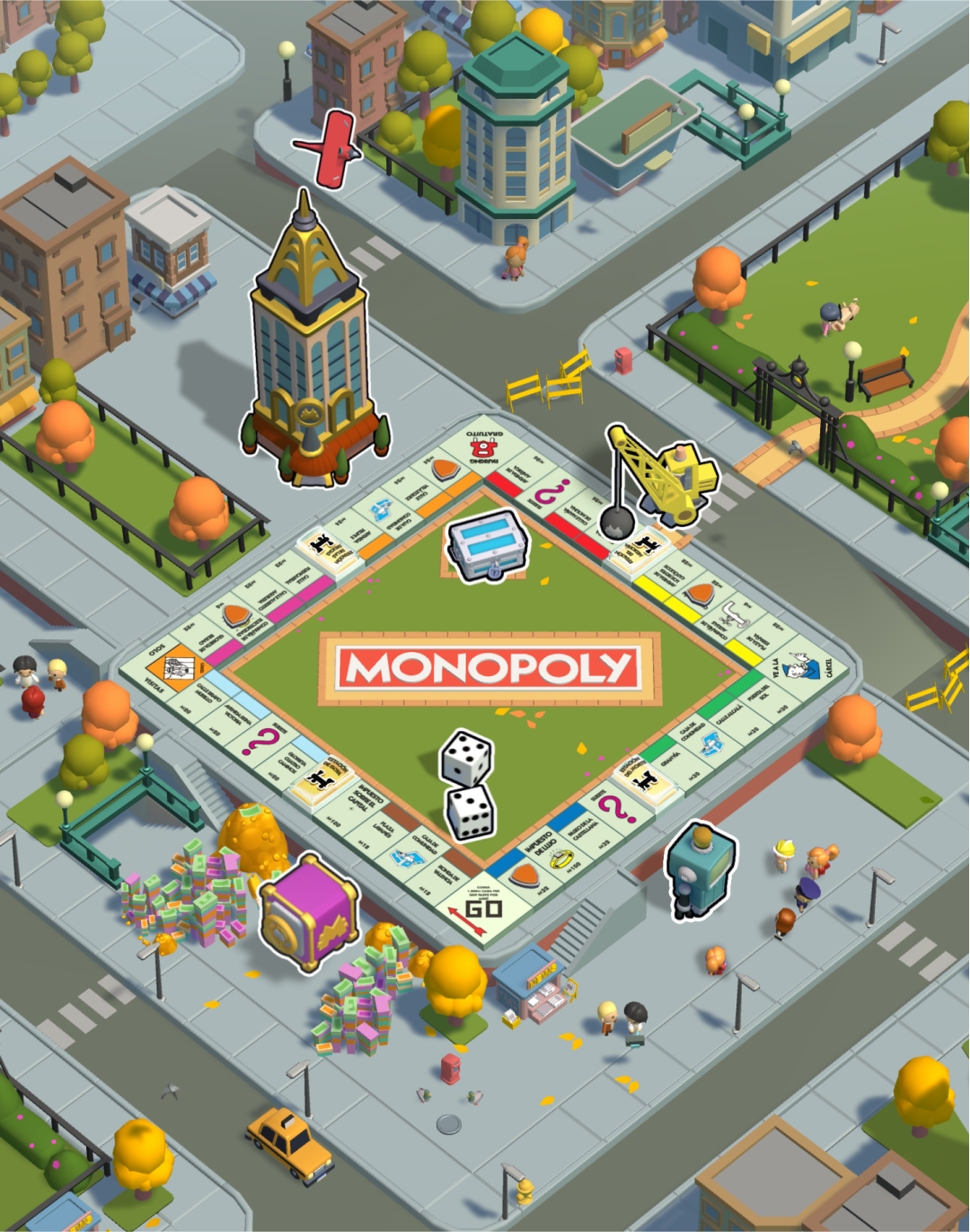
Monopoly Go takes the classic board game fun and puts it right in your pocket. You get to roll the dice, build cool cities, and even steal money from your friends’ banks. It is all about growing your fortune and exploring new boards while competing with players worldwide.
What’s Dice in Monopoly Go!?
Dice is the main energy that powers your movement across the board to land on properties. Unlike cash, rolls are the fuel for your gameplay loop, so many players use a Monopoly Go dice top-up to keep the momentum going. A Monopoly Go purchase of extra dice ensures you never miss out on triggering important mini-games like Bank Heist.
How to Get Dice in Monopoly Go!
You can grab free Dice by waiting for them to refill or by collecting daily gifts from the shop. Completing sticker albums and inviting your buddies are also great ways to score extra rolls to help your Monopoly Go recharge. However, waiting around is often slow and might delay your plans compared to a quick Monopoly Go top up.
The fastest way to get back in the game is to top up Monopoly Go via BuffBuff for a secure boost. We offer cheap deals that let you grab a Monopoly Go dice top-up without hurting your wallet. A simple Monopoly Go recharge on our site helps you smash through levels and beat your rivals.
Why is getting a Monopoly Go top up important for your strategy?
You need Monopoly Go dice top-up for every single move, from collecting rent to triggering heists. A Monopoly Go recharge basically buys you more playtime so you can keep progressing in tournaments. Without rolls, you can’t land on Railroads or draw those lucky Chance cards.
What happens if I make a top-up when I’m full?
Any dice you buy go straight to your stash even if you are over the limit. This "overflow" lets you play long sessions without stopping for the hourly refill. It’s a smart reason to get a Monopoly Go dice top-up before a big event starts.
How do I increase my Net Worth quickly?
You raise Net Worth by building and upgrading landmarks in your current city map. If you’re short on funds, a Monopoly Go purchase lets you upgrade buildings instantly. Many players top up Monopoly Go to unlock these upgrades and get a higher shield capacity.

Get BuffBuff App


scan to download

Coupon Details
This account has already received the First Bonus, it will not be issued again this time