Popular Games
 All Games





Genshin Impact Interactive Map: Find Every Chest, Oculi, Resource, and More
2026-09-21



Genshin Impact is about to celebrate its sixth anniversary. Over the past six years, Teyvat gets bigger with every major Genshin Impact update. In Genshin Impact Version 1.0, Hoyovorse launched only Mondstadt and Liyue, and till now we have already seen Dragonspine, Inazuma, Enkanomiya, The Chasm, Sumeru, Fontaine, Natlan, Nod-Krai, Snezhnaya, and other permanent subregions. Whilst the increasing number of map updates has brought more and better story experiences, this is not necessarily all good news for players. Between hidden chests, Oculi, local specialties, underground routes, puzzle mechanisms, and quest-locked areas, even experienced Travelers can lose track of what they have already found. That’s why we need a map.
The Genshin Impact Interactive Map lists the major permanent regions from Version 1.0 through 7.0 and puts locations in one searchable, easy-to-use map. You may use it to find the collectible or resource you need, check which map layer it belongs to, plan a faster route, and mark completed locations as you explore. You can also check the current Genshin Impact 7.1 tier list while exploring the new region.
MAP
What Is the Genshin Impact Interactive Map?
A Genshin Impact interactive map is a browser-based companion for exploring Teyvat. Unlike the in-game map, it lets you display specific categories of locations, such as treasure chests, Teleport Waypoints, regional Oculi, enemies, materials, puzzles, and quest objectives.
Instead of searching through multiple guides, you can zoom into the area you are exploring and turn on only the markers relevant to your current goal. This makes the map useful for three common tasks:
- Exploration: Find missing chests, Shrines of Depths, Seelies, Time Trial Challenges, and other points of interest.
- Collection: Locate Oculi, local specialties, fishing spots, wood, ores, and cooking ingredients.
- Farming: Build repeatable routes for character materials, common enemies, elite enemies, and bosses.
Keep Genshin Impact open on your main screen and use the BuffBuff map in another browser window, on a tablet, or on your phone while you travel.
What Can You Find on the BuffBuff Genshin Map?
The marker filters help you move from a broad world view to the exact type of location you need.
- Oculi and Regional Collectibles
Search for Anemoculi, Geoculi, Electroculi, Dendroculi, Hydroculi, Pyroculi, and other region-specific collectibles. Filtering by collectible type is especially useful when your Statue of The Seven is close to its next level and only a few Oculi are missing.
- Treasure Chests and Exploration Rewards
Show chest locations without filling the map with unrelated markers. Depending on the selected region, you can look for Common, Exquisite, Precious, and Luxurious Chests, as well as Shrines of Depths and other one-time exploration rewards.
- Teleport Waypoints, Statues, and Domains
Use navigation markers to unlock a region before starting a full collection route. Waypoints, Statues of The Seven, Domains, and other travel points give you a reliable structure for exploring each subregion efficiently.
- Local Specialties and Materials
Find ascension materials and other resources without wandering through an entire nation. Select one material, identify nearby clusters, and connect them with unlocked Teleport Waypoints to create a short farming loop.
- Enemies and Bosses
Locate common enemies, elite enemies, Normal Bosses, and Weekly Bosses. Enemy markers are helpful when a character or weapon upgrade requires a large number of drops from a specific enemy family.
- Puzzles, Challenges, and Quest Locations
Use the map to check puzzle locations, Seelie routes, elemental monuments, Time Trial Challenges, fishing points, and World Quest starting areas. If a marker appears inaccessible, the entrance may be on another elevation or locked behind regional quest progress.
Explore Every Major Region of Teyvat
The region selector lets you jump directly to the nation or subregion you want to explore. Major areas include:
| Version | Release Period | Major Map Addition | Map Type |
| 1.0 | September 2020 | 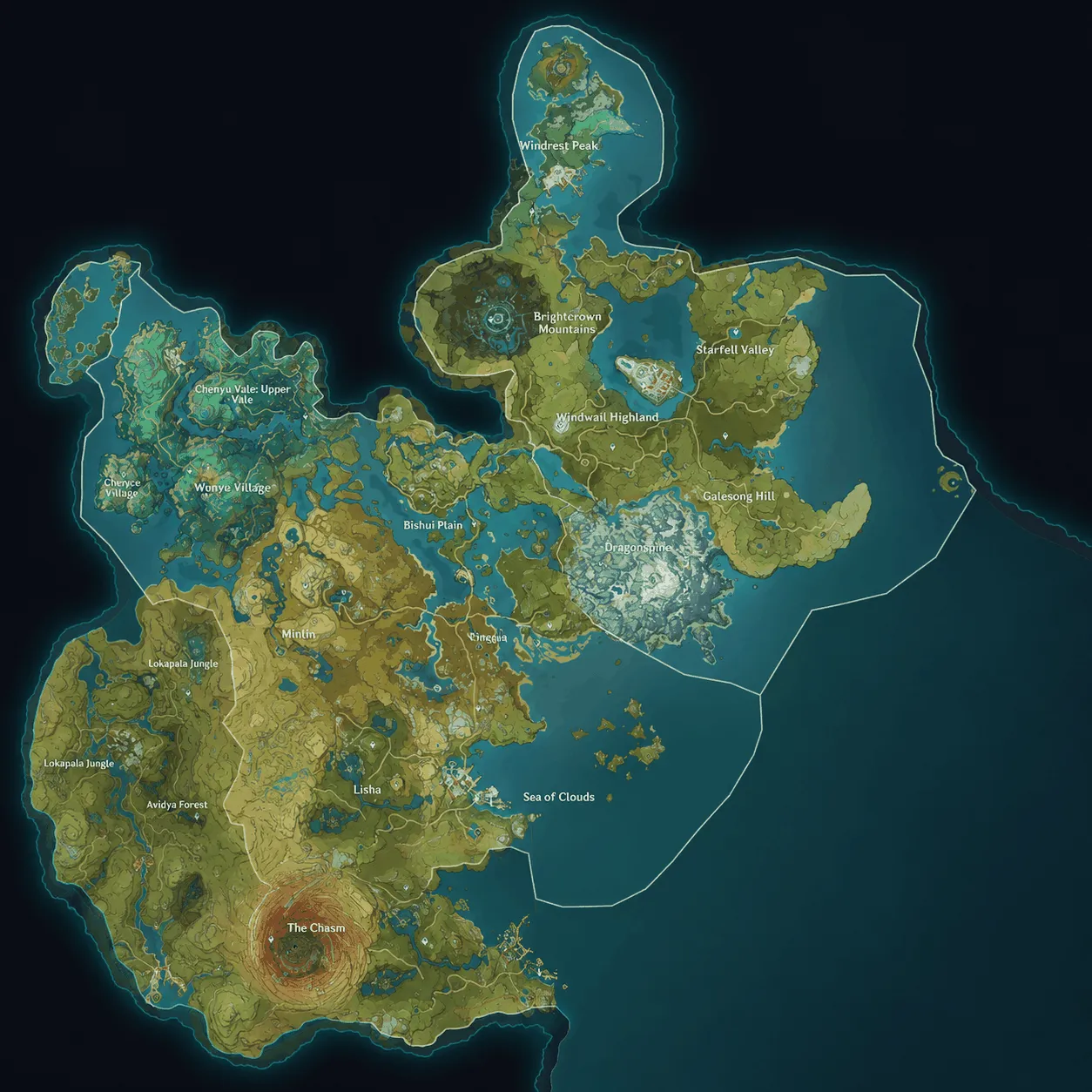 Mondstadt and Liyue Mondstadt and Liyue | Main Teyvat map |
| 1.2 | December 2020 | 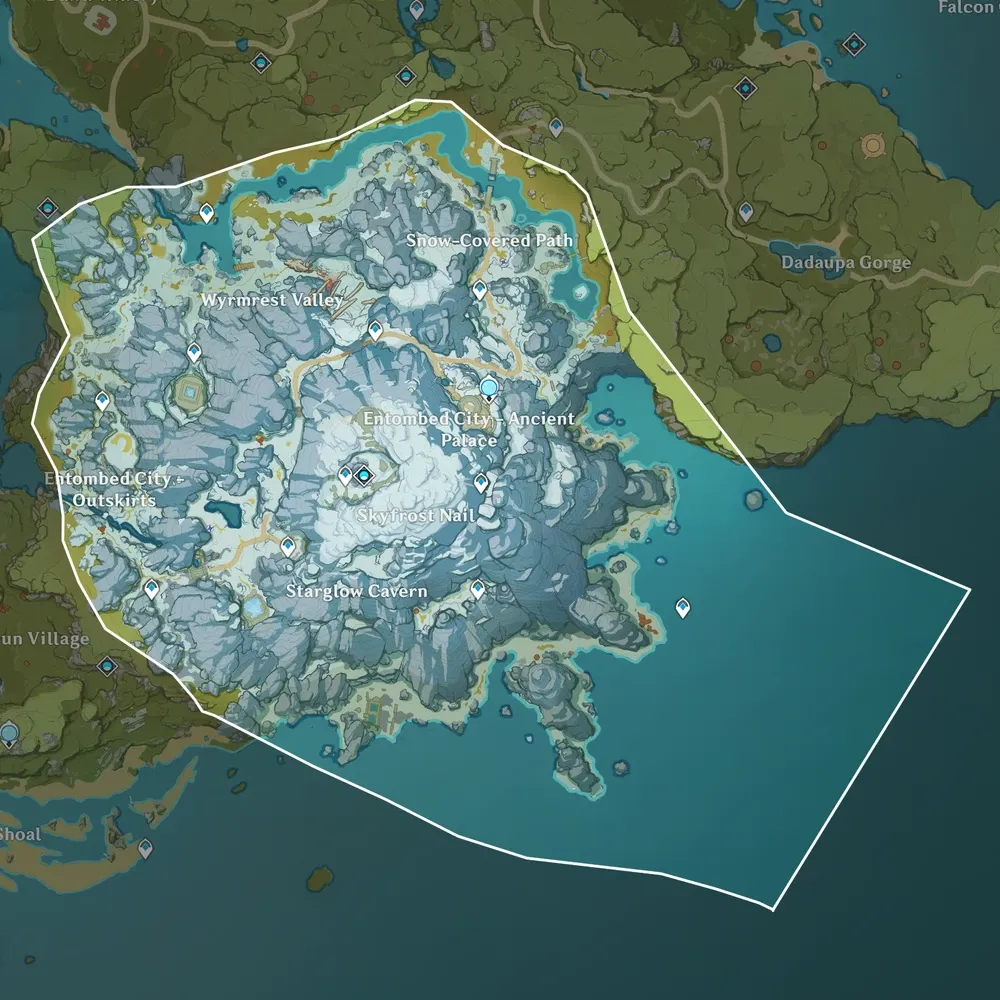 Dragonspine Dragonspine | Mondstadt subregion |
| 2.0 | July 2021 | 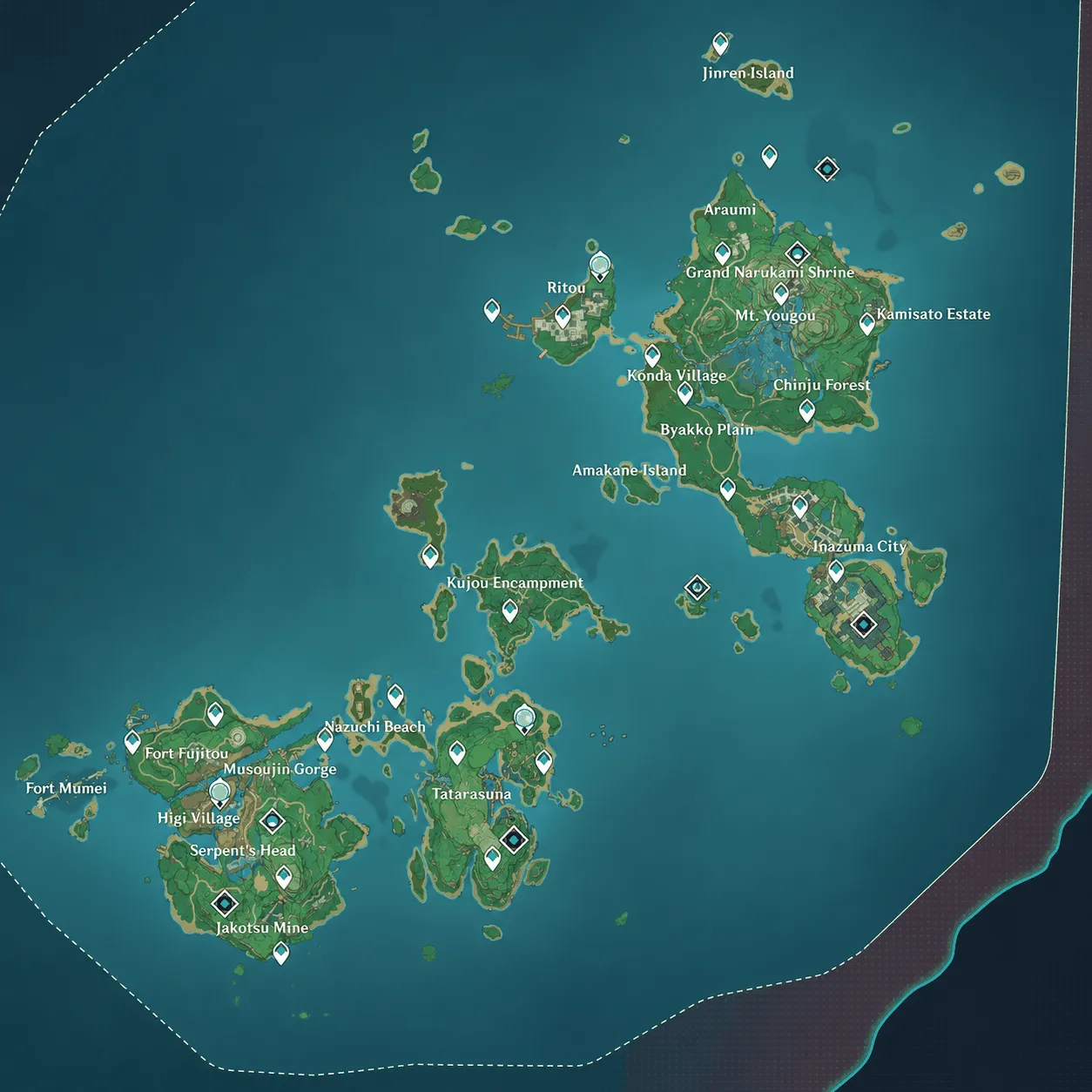 Narukami Island, Kannazuka, Yashiori Island Narukami Island, Kannazuka, Yashiori Island | Inazuma islands |
| 2.1 | September 2021 | 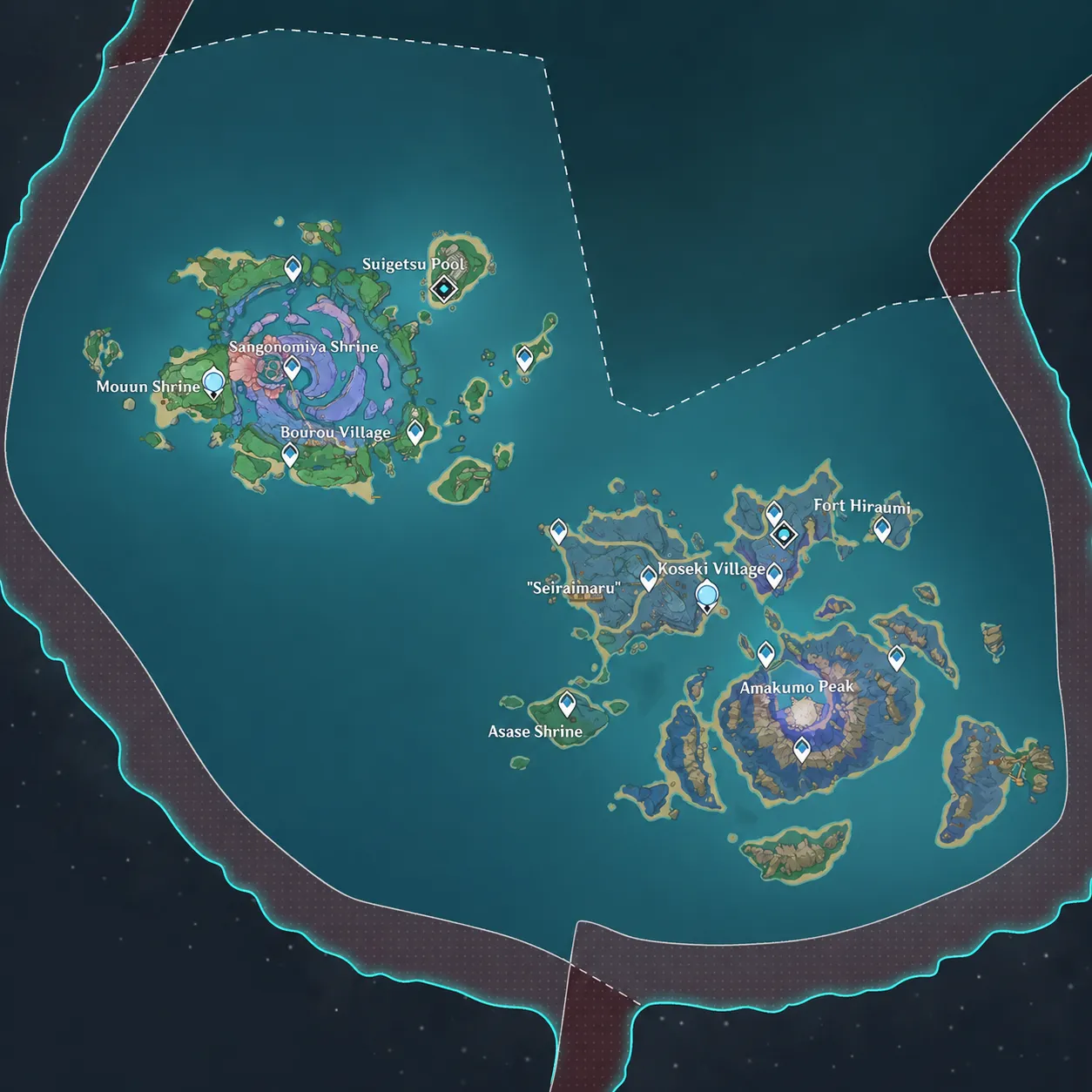 Watatsumi Island and Seirai Island Watatsumi Island and Seirai Island | Inazuma islands |
| 2.2 | October 2021 | 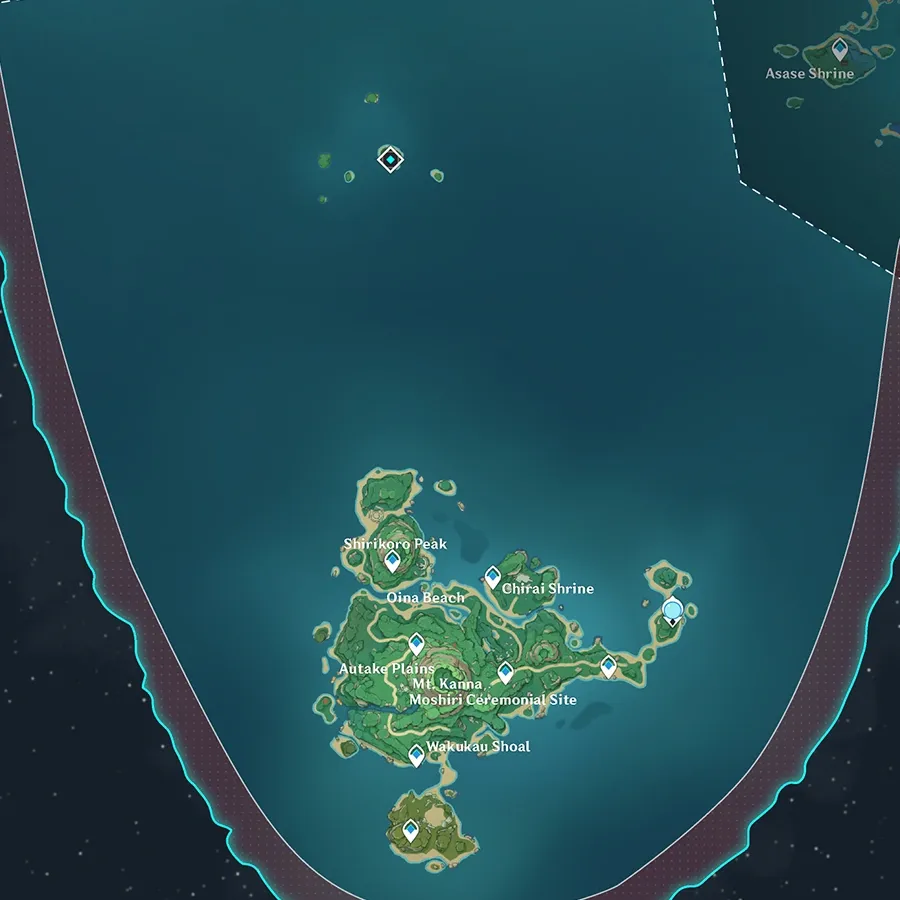 Tsurumi Island Tsurumi Island | Inazuma island |
| 2.4 | January 2022 | 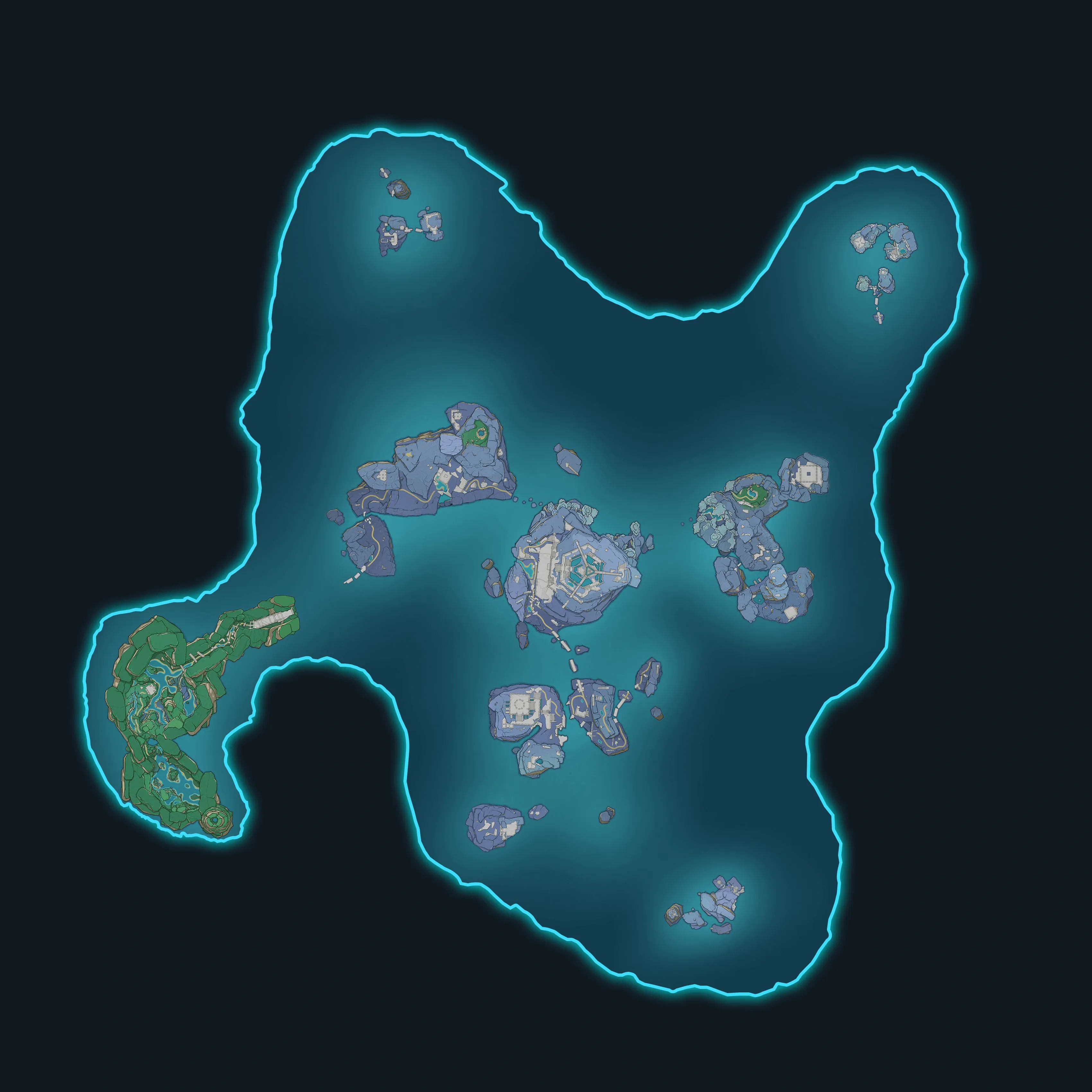 Enkanomiya Enkanomiya | Separate underground map |
| 2.6 | March 2022 | 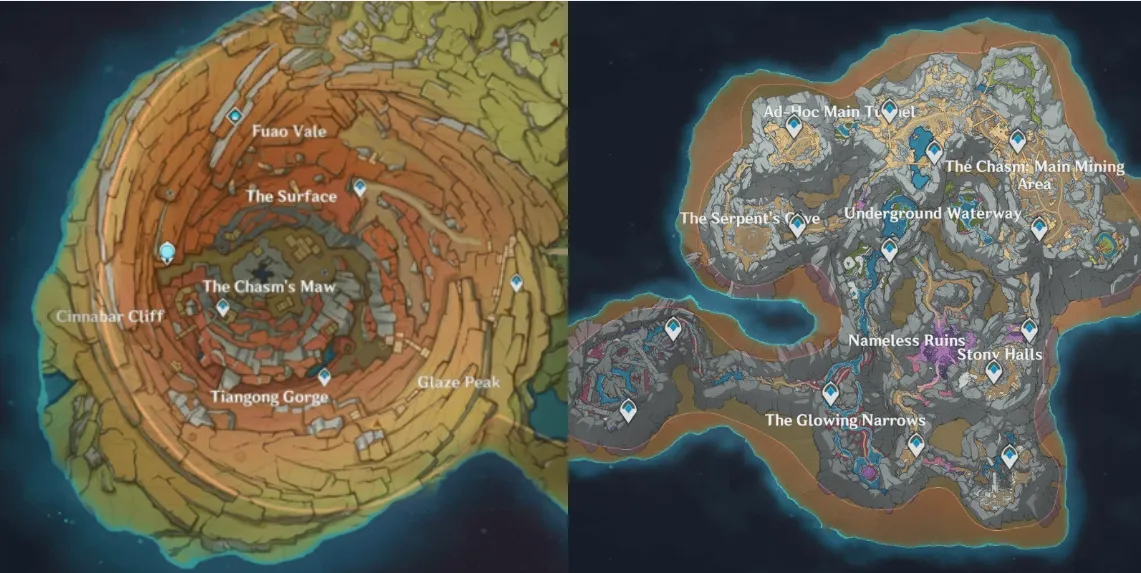 The Chasm and The Chasm: Underground Mines The Chasm and The Chasm: Underground Mines | Surface and separate underground map |
| 3.0 | August 2022 | 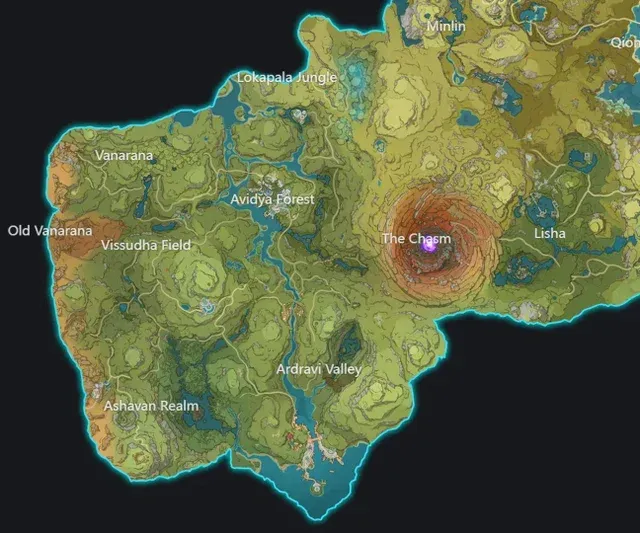 Sumeru Rainforest Sumeru Rainforest | Main Teyvat map |
| 3.1 | September 2022 | 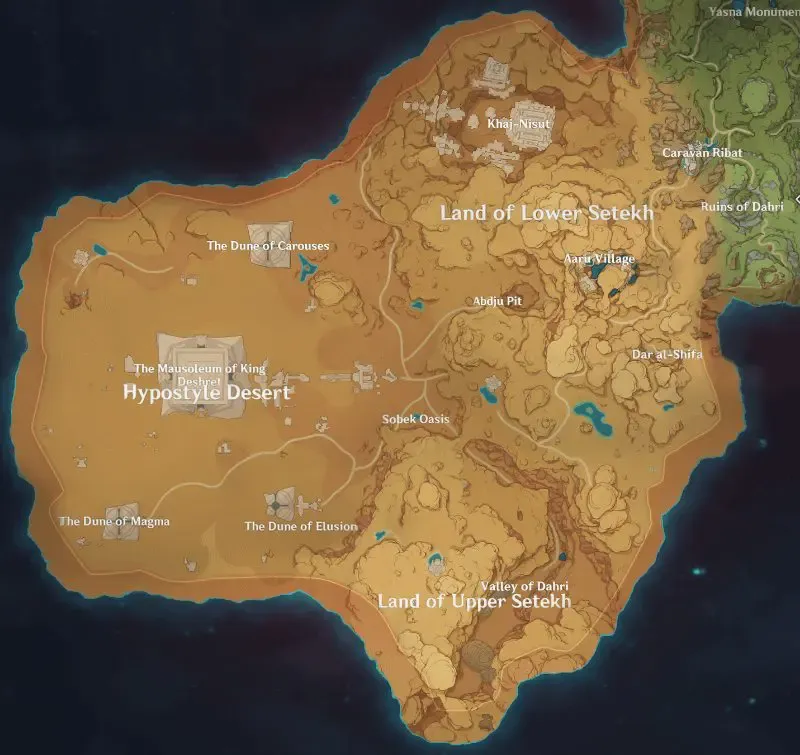 Hypostyle Desert and Setekh areas Hypostyle Desert and Setekh areas | Sumeru desert |
| 3.4 | January 2023 | 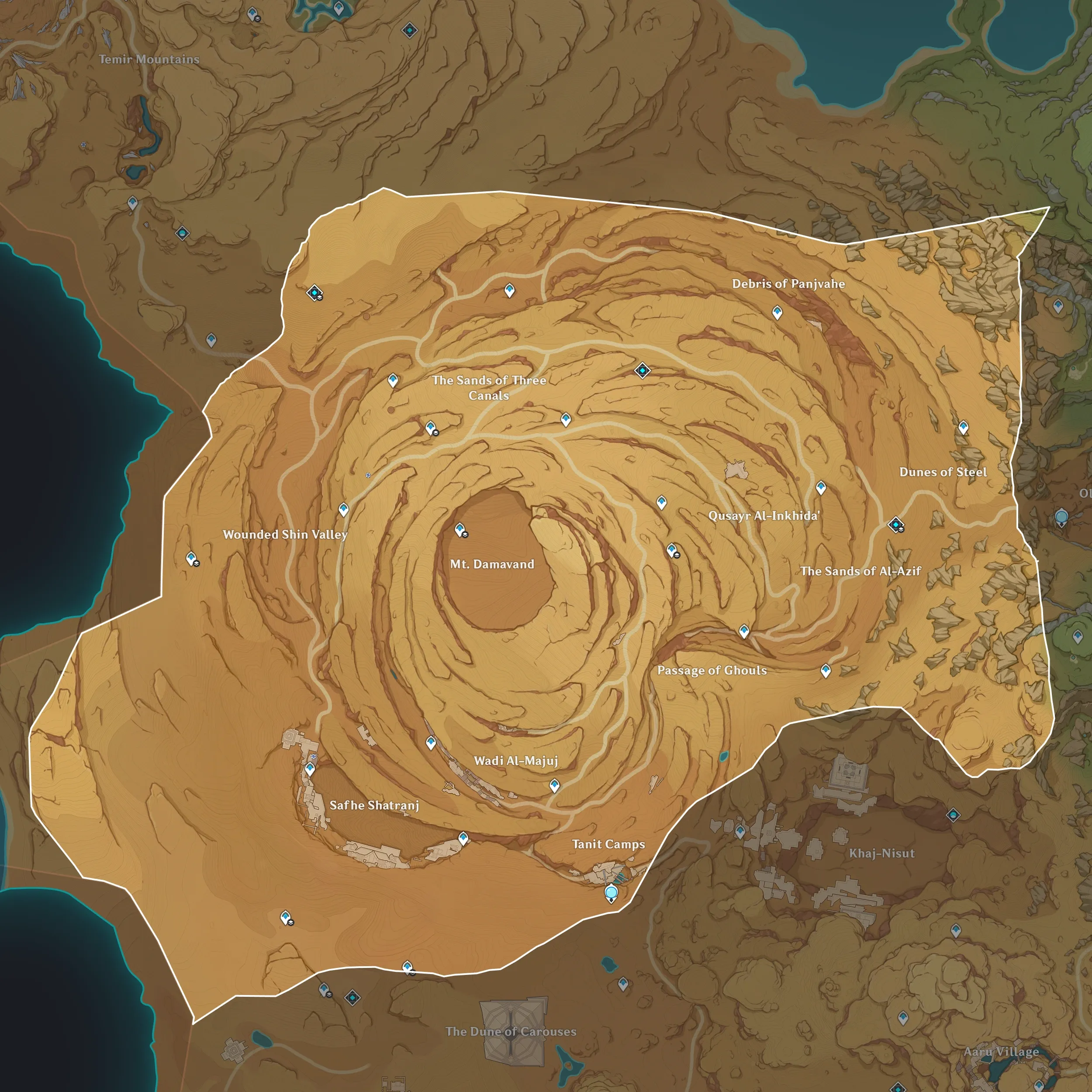 Desert of Hadramaveth Desert of Hadramaveth | Sumeru desert |
| 3.6 | April 2023 | 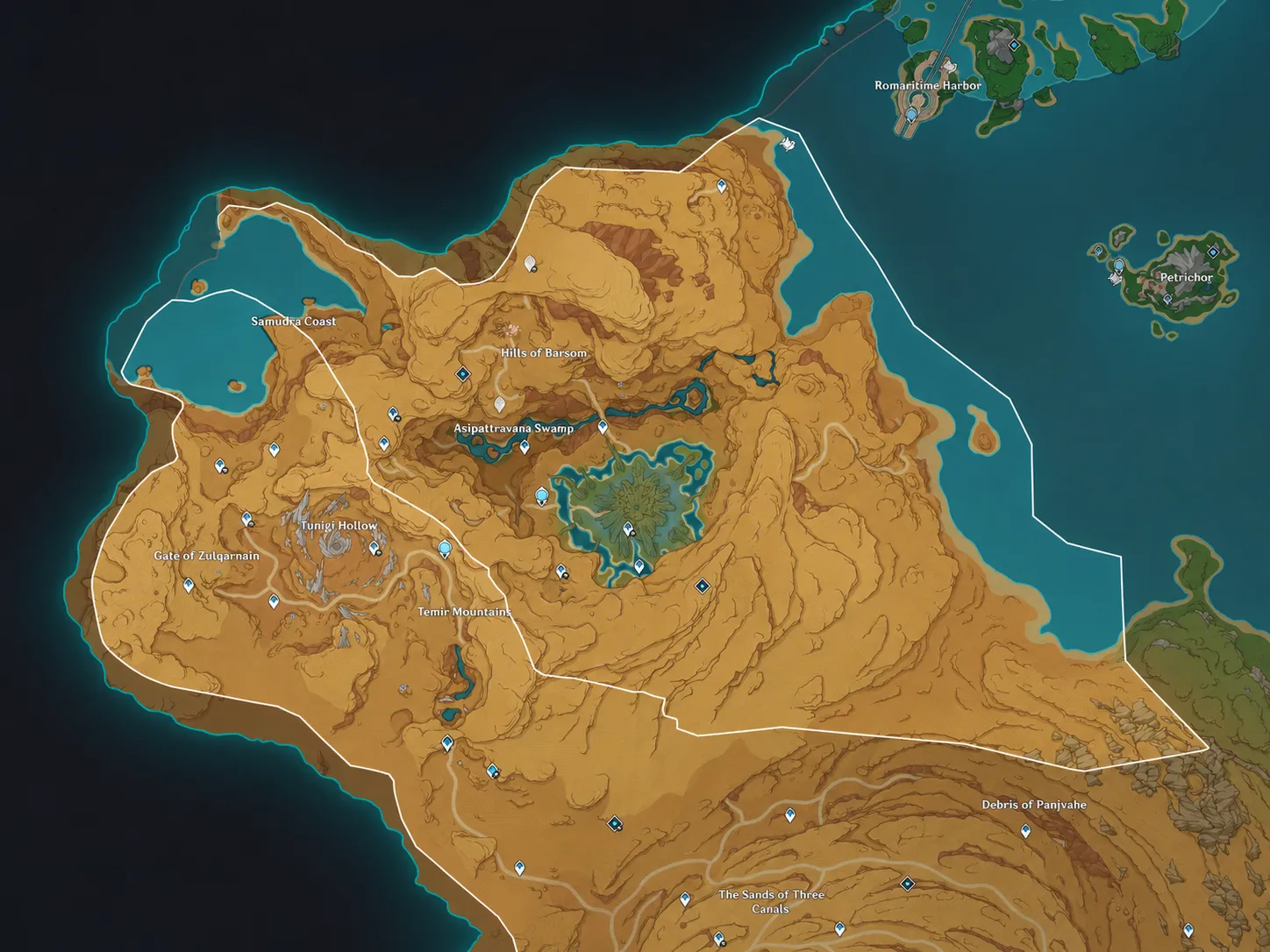 Gavireh Lajavard and Realm of Farakhkert Gavireh Lajavard and Realm of Farakhkert | Northern Sumeru |
| 4.0 | August 2023 | 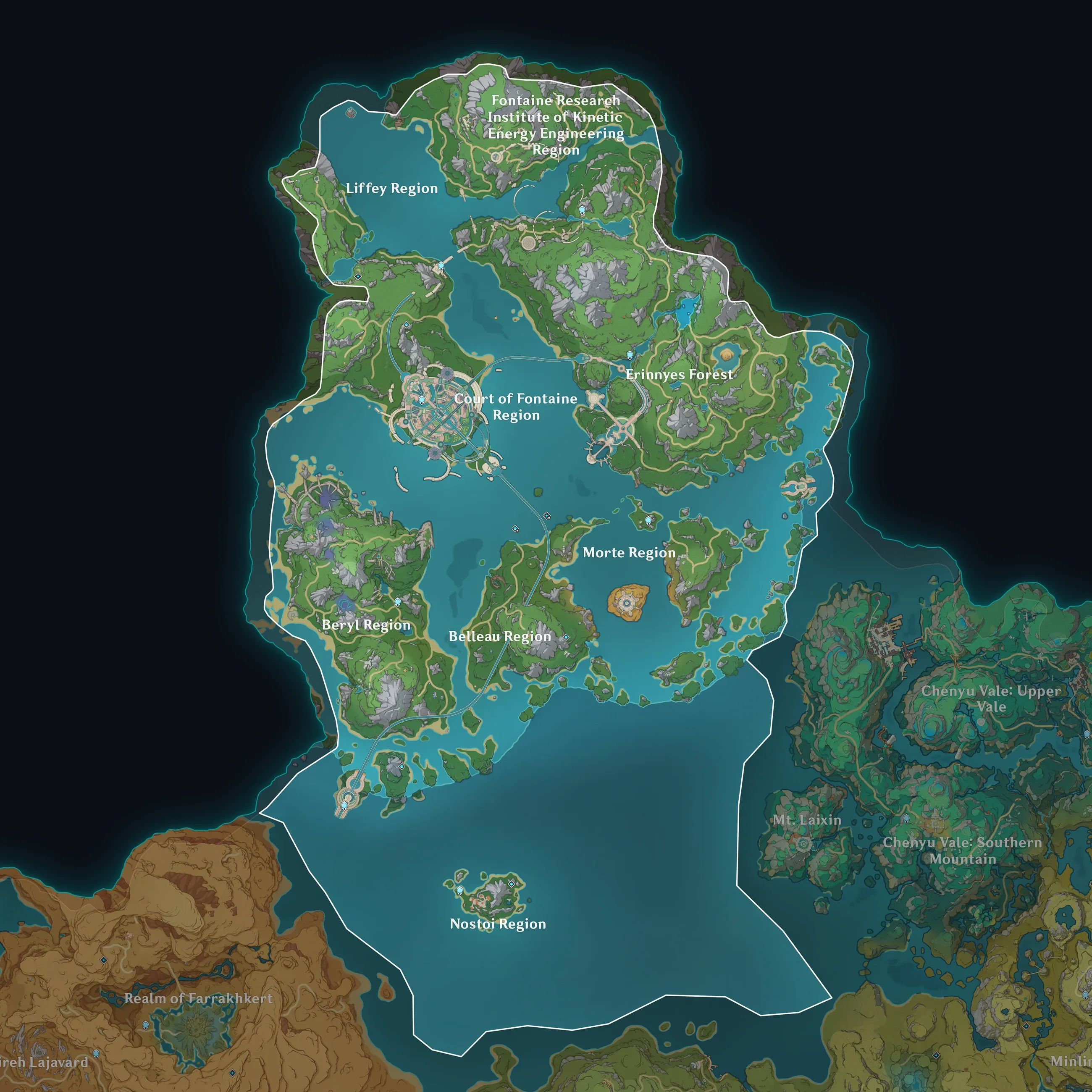 Initial Fontaine regions Initial Fontaine regions | Surface and underwater layers |
| 4.1 | September 2023 | 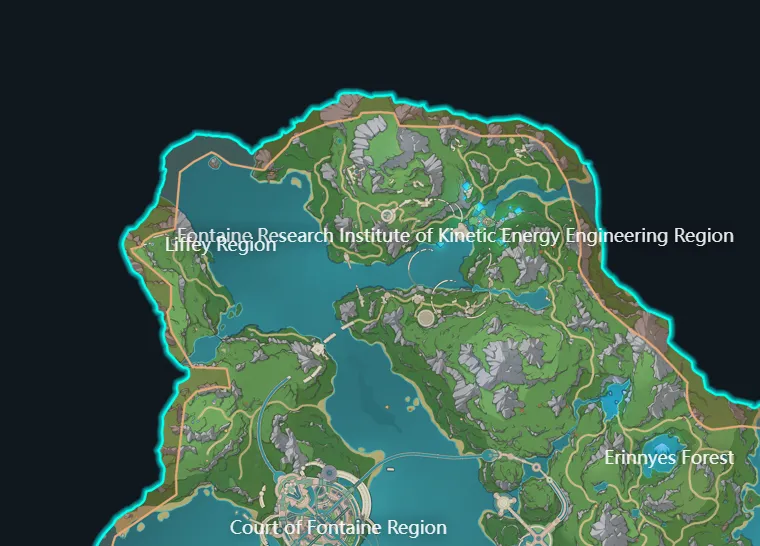 Liffey Region and Fontaine Research Institute Liffey Region and Fontaine Research Institute | Fontaine expansion |
| 4.2 | November 2023 | 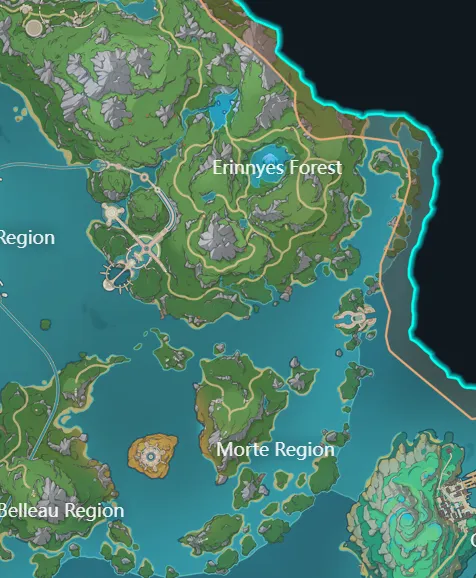 Erinnyes Forest and Morte Region Erinnyes Forest and Morte Region | Fontaine expansion |
| 4.4 | January 2024 | 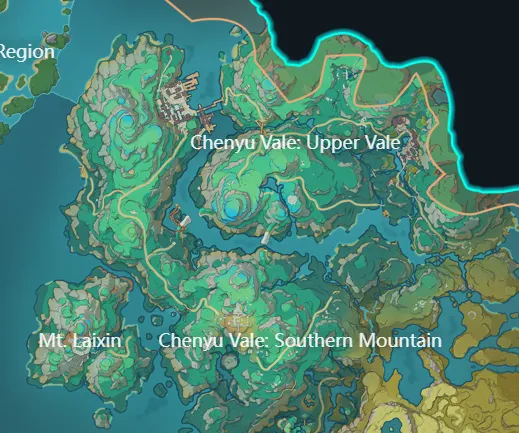 Chenyu Vale and Mt. Laixin Chenyu Vale and Mt. Laixin | Liyue expansion |
| 4.6 | April 2024 | 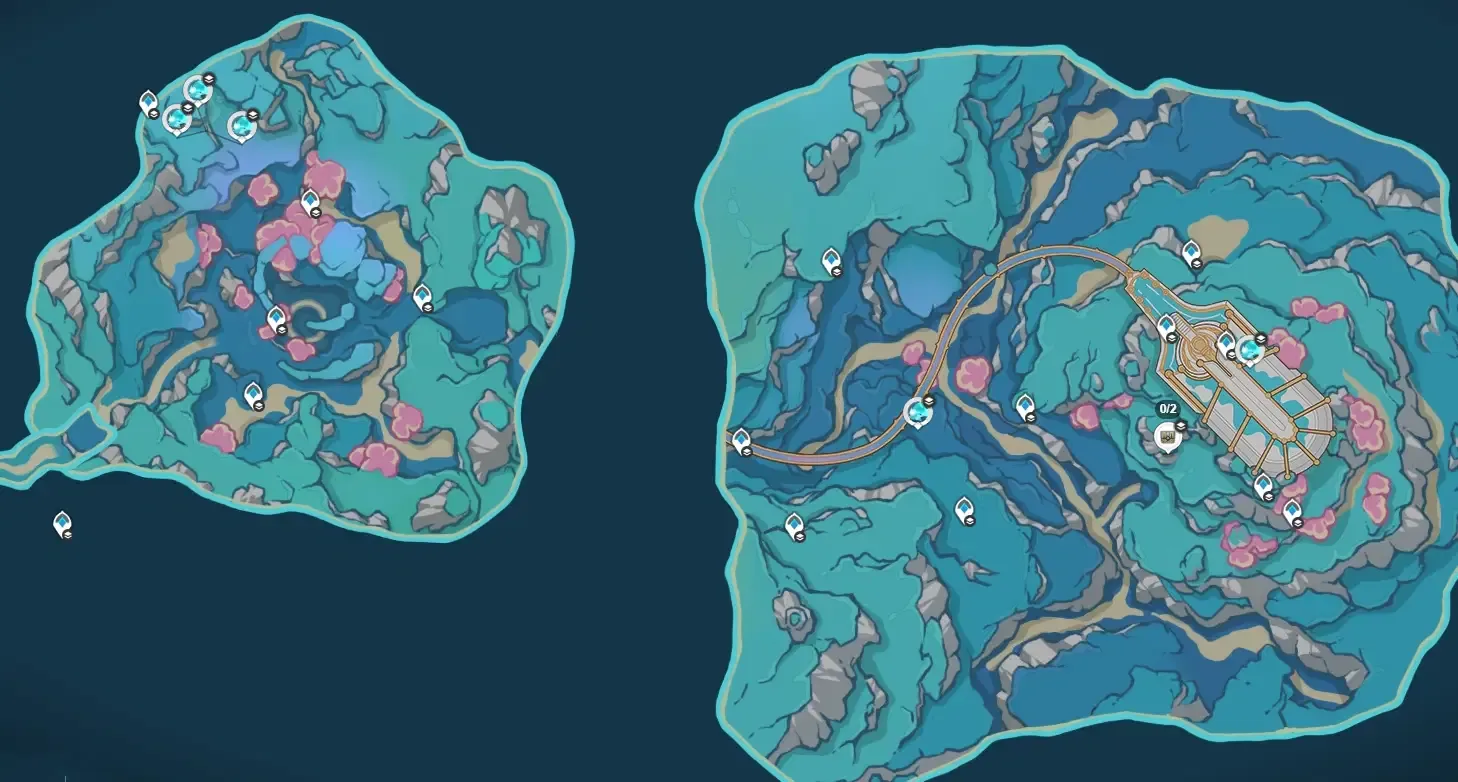 Nostoi Region and Sea of Bygone Eras Nostoi Region and Sea of Bygone Eras | Fontaine and separate map |
| 5.0 | August 2024 | 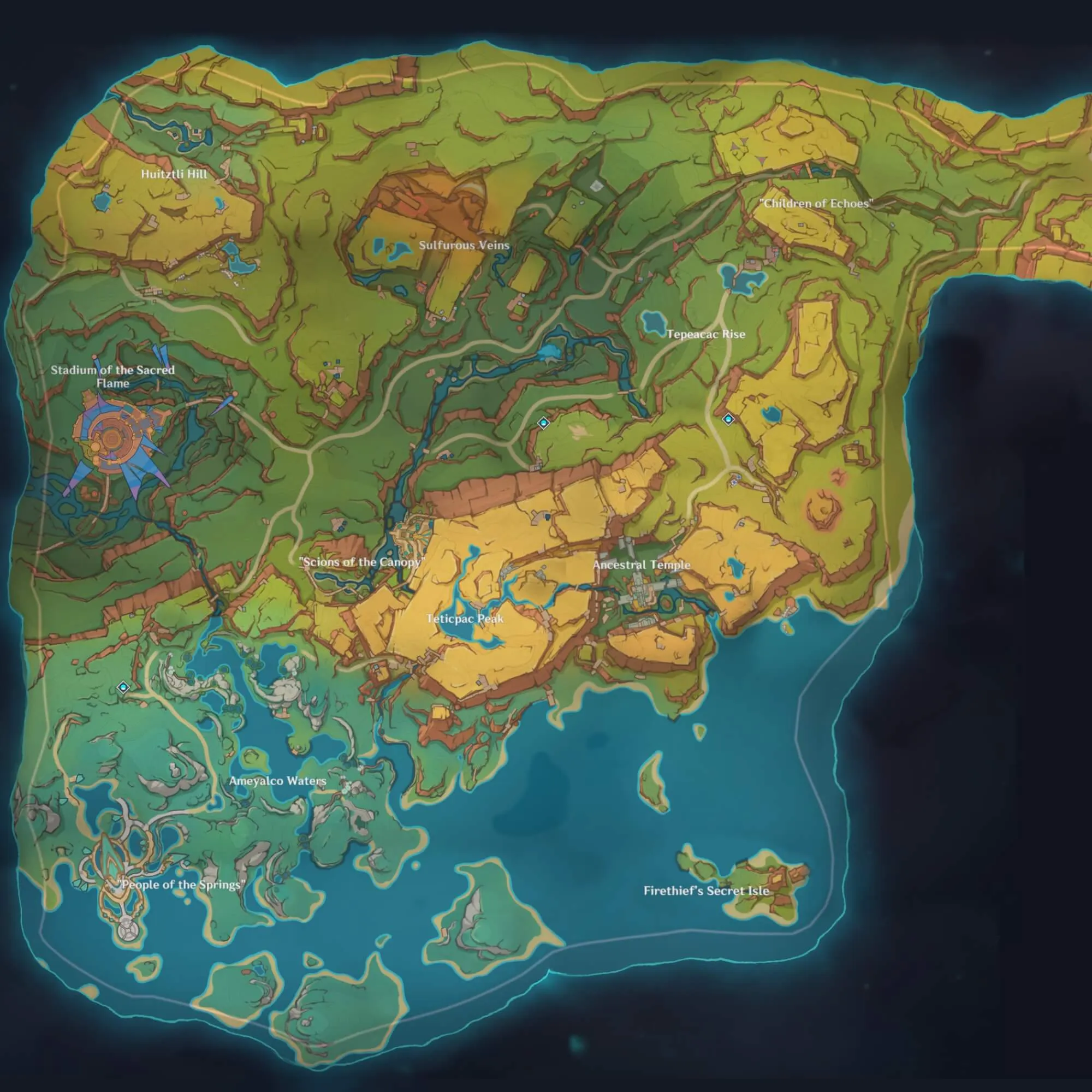 Initial Natlan regions Initial Natlan regions | Main Teyvat map |
| 5.2 | November 2024 | 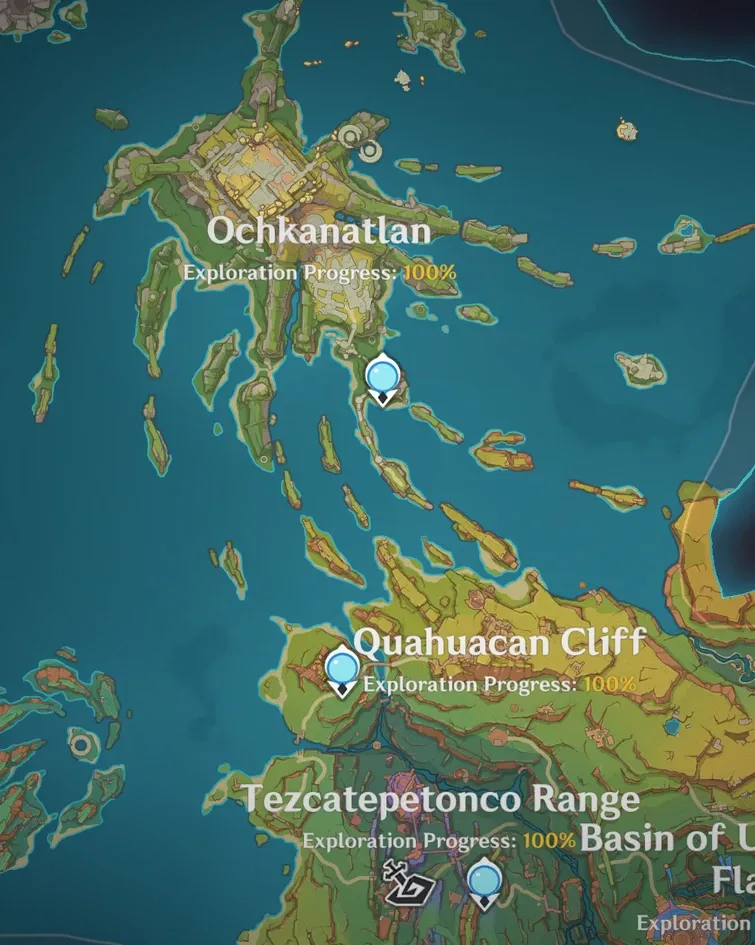 Tezcatepetonco Range, Quahuacan Cliff, and Ochkanatlan Tezcatepetonco Range, Quahuacan Cliff, and Ochkanatlan | Natlan expansion |
| 5.5 | March 2025 | 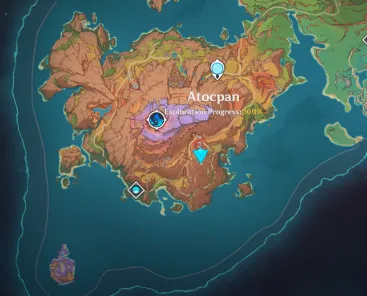 Atocpan and Ancient Sacred Mountain Atocpan and Ancient Sacred Mountain | Natlan expansion |
| 5.8 | July 2025 | 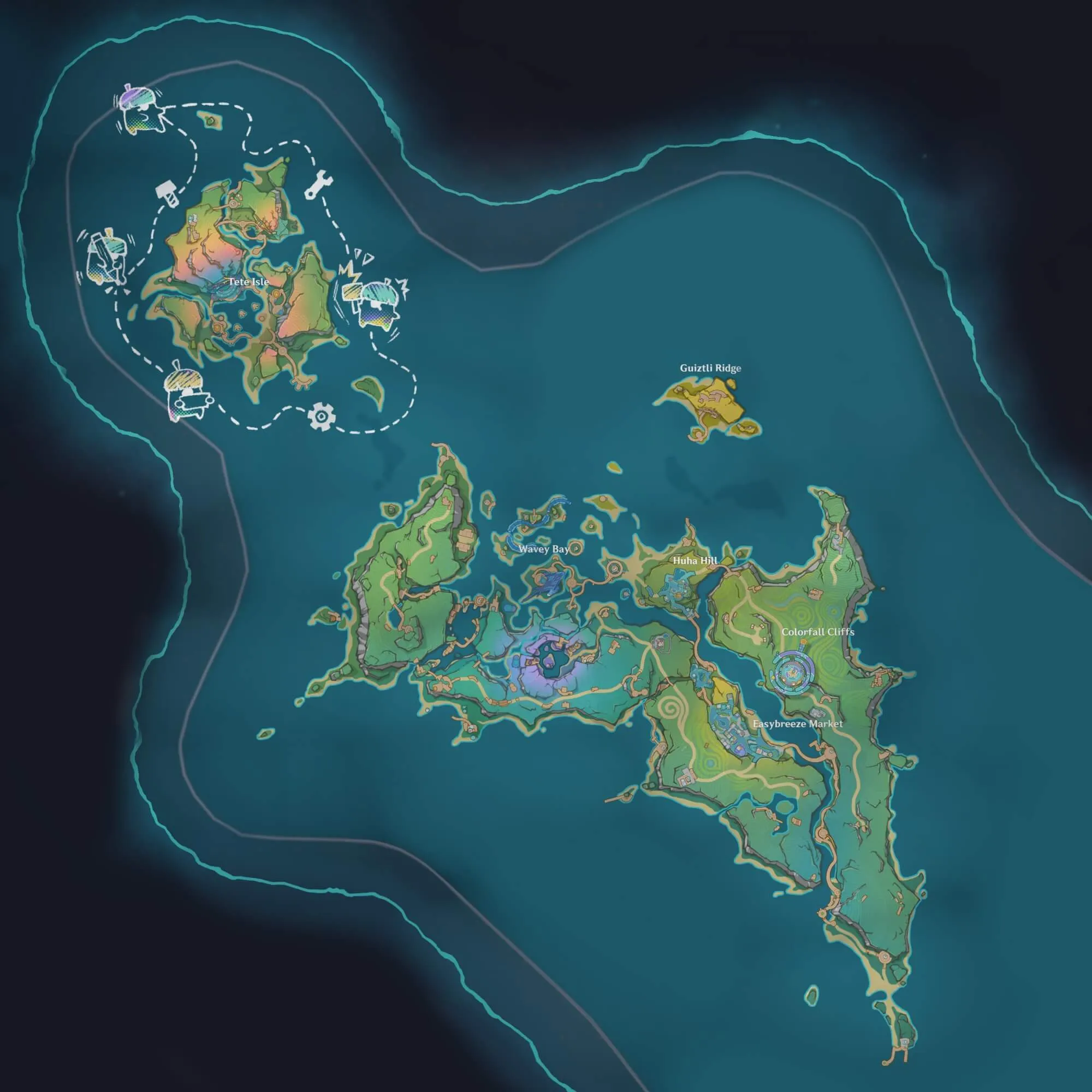 Easybreeze Holiday Resort Easybreeze Holiday Resort | Permanent Natlan expansion |
| Luna I | September 2025 | 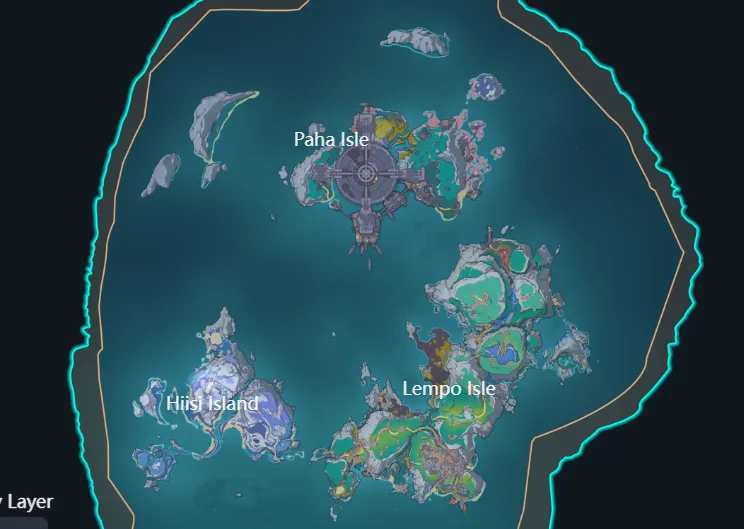 Lempo Isle, Hiisi Island, and Paha Isle Lempo Isle, Hiisi Island, and Paha Isle | Initial Nod-Krai map |
| Luna IV | January 2026 | 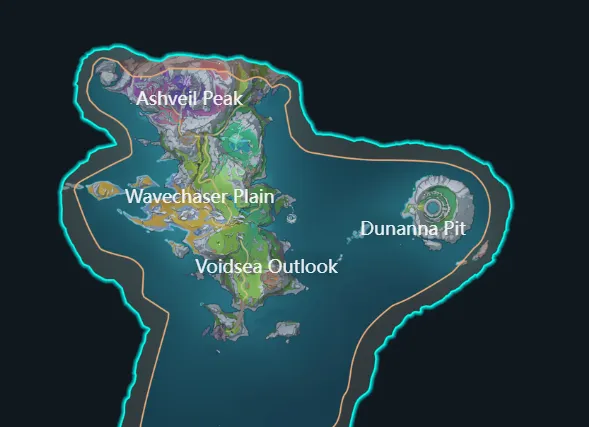 Voidsea Outlook, Wavechaser Plain, and Ashveil Peak Voidsea Outlook, Wavechaser Plain, and Ashveil Peak | Nod-Krai expansion |
| Luna VI | April 2026 | 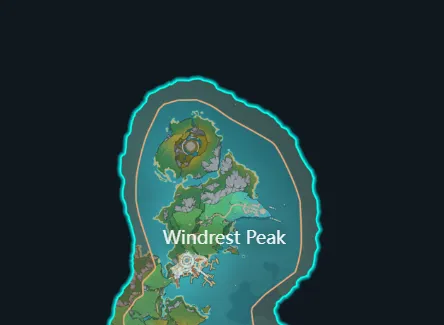 Windrest Peak and Temple of Space Windrest Peak and Temple of Space | Mondstadt expansion |
| Luna VIII | July 2026 | 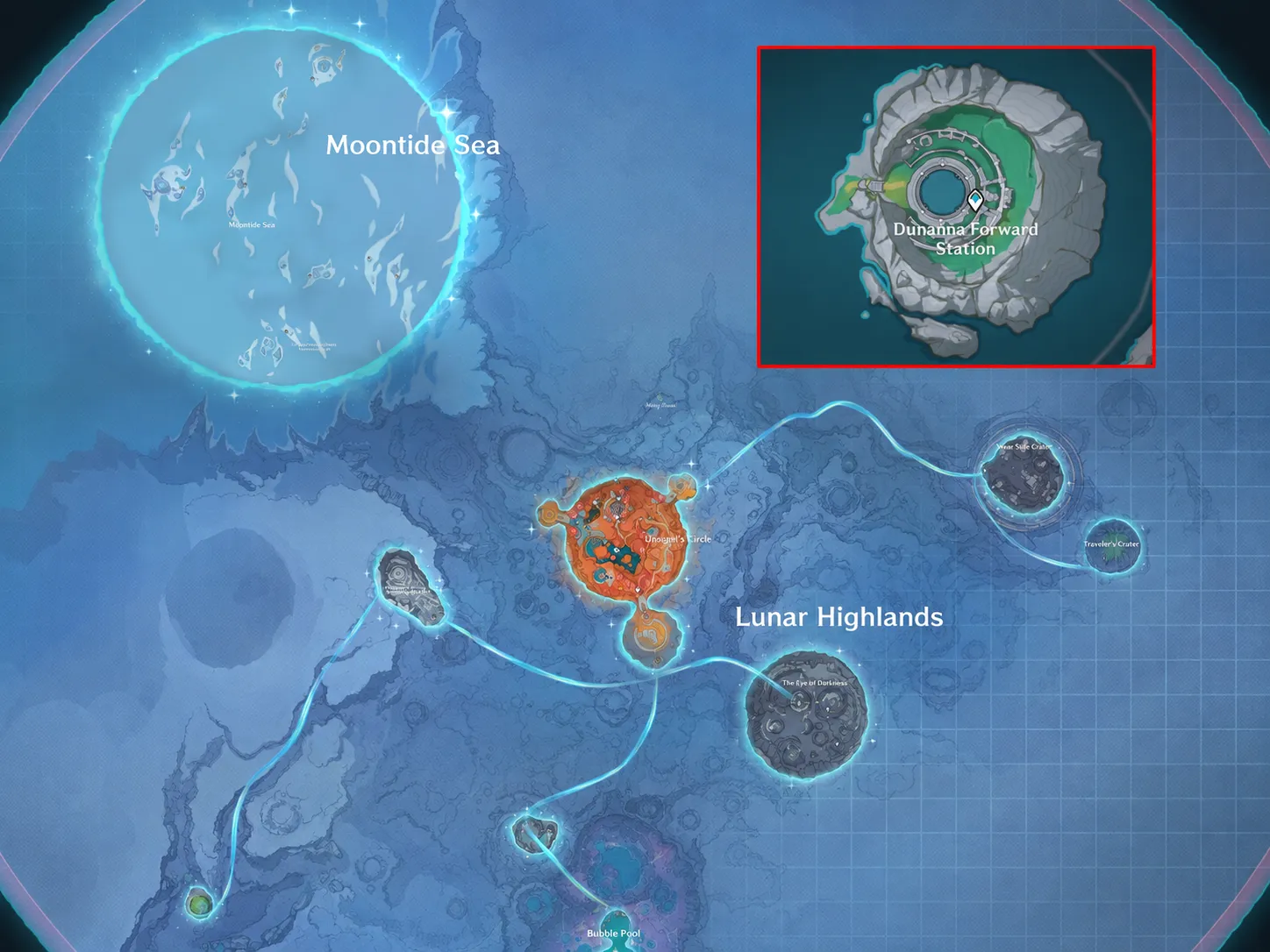 Dunanna Pit and Frost Moon Dunanna Pit and Frost Moon | Nod-Krai and lunar areas |
| 7.0 | August 12, 2026 | 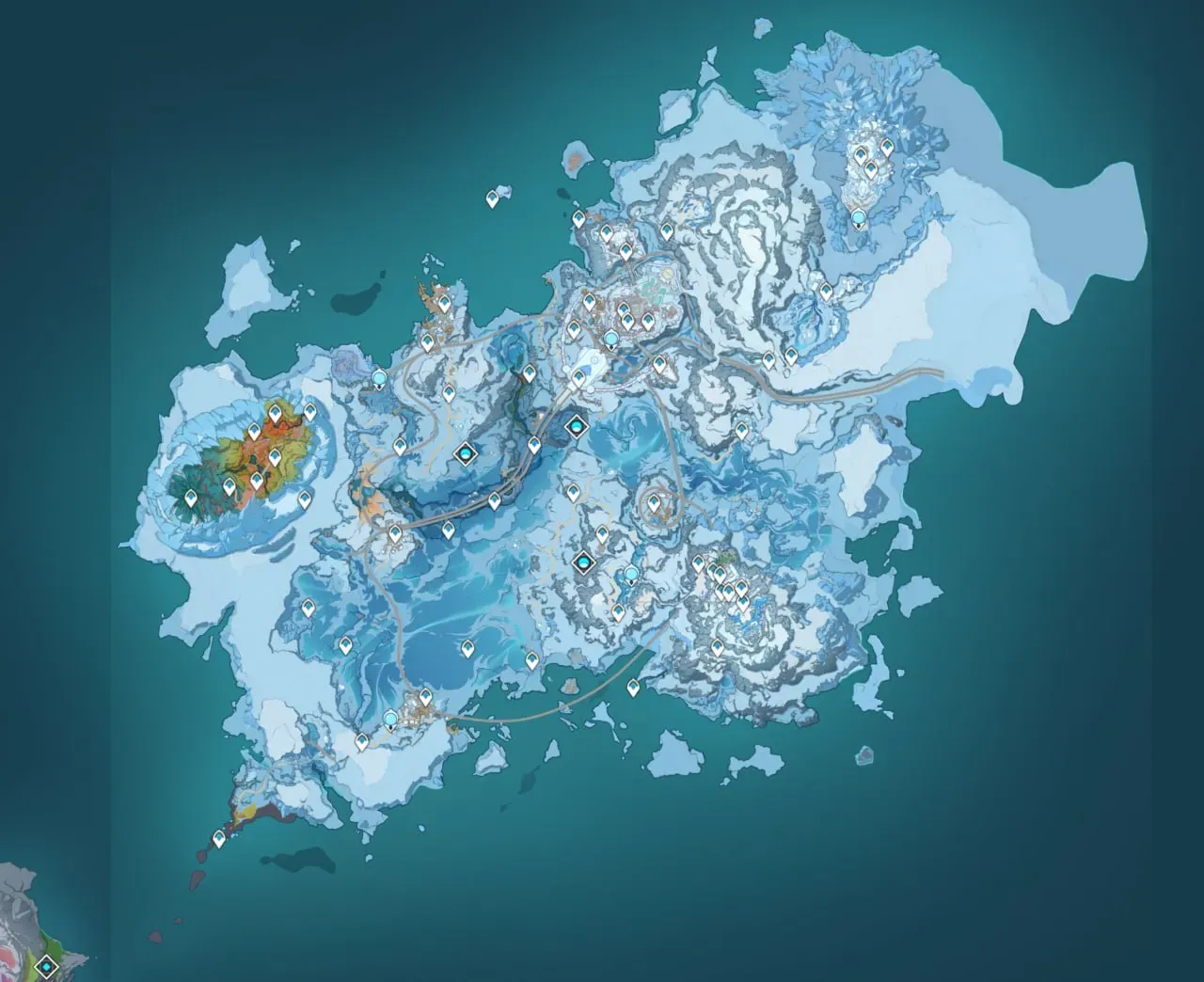 Snezhnaya: Volkodlak Tundra, White Birch Snowgrave, Everfrozen Earth, Flamefeather Valley, and Fellfrost Peak Snezhnaya: Volkodlak Tundra, White Birch Snowgrave, Everfrozen Earth, Flamefeather Valley, and Fellfrost Peak | Main Teyvat map |
Some pins can look close together in the top-down view while actually sitting on different levels. Always check the layer or elevation before traveling to a marker, particularly in Sumeru, Fontaine, The Chasm, Enkanomiya, and other multi-level areas.
Teyvat overworld and separate realm maps
The Teyvat tab is the full surface map — Mondstadt, Liyue, Inazuma islands, Sumeru, Fontaine, Natlan, and other overworld areas on Hoyolab’s current tile set. Far or layered places are separate maps on purpose (same as the official interactive map):
Enkanomiya — Inazuma underground; watch Whitenight/Evernight for chests and mechanisms that only appear in one state.
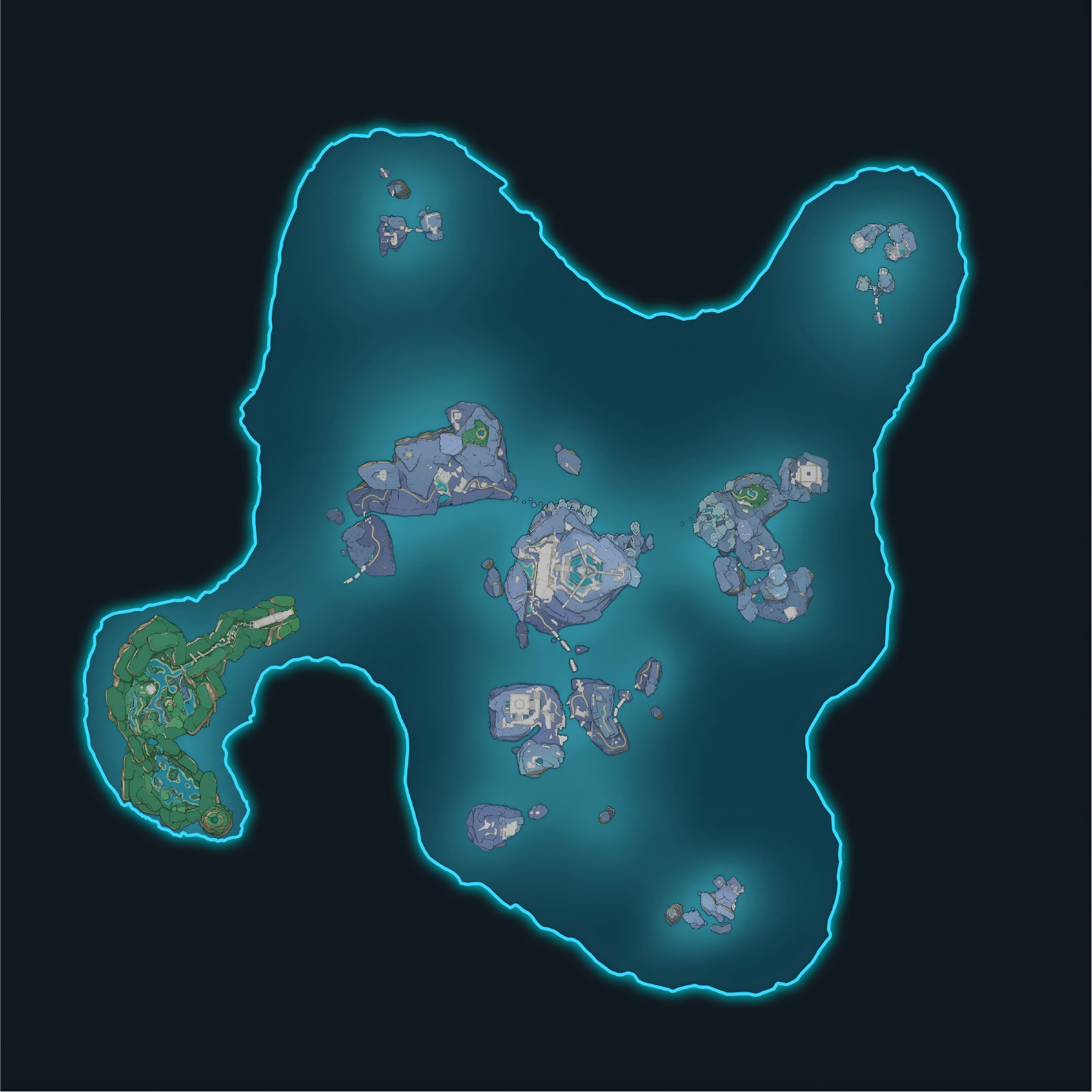
The Chasm: Underground Mines — Liyue mine shafts with their own waypoints and chest routes.
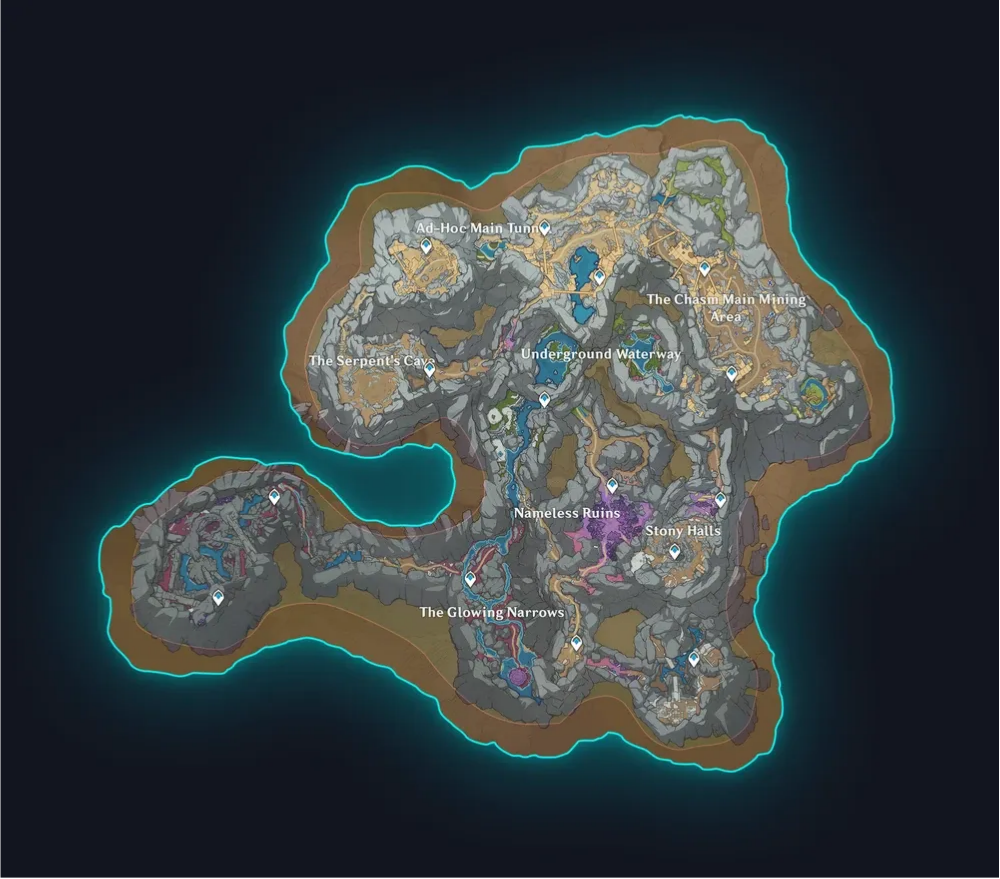
Sea of Bygone Eras — Fontaine / Remuria layered exploration.
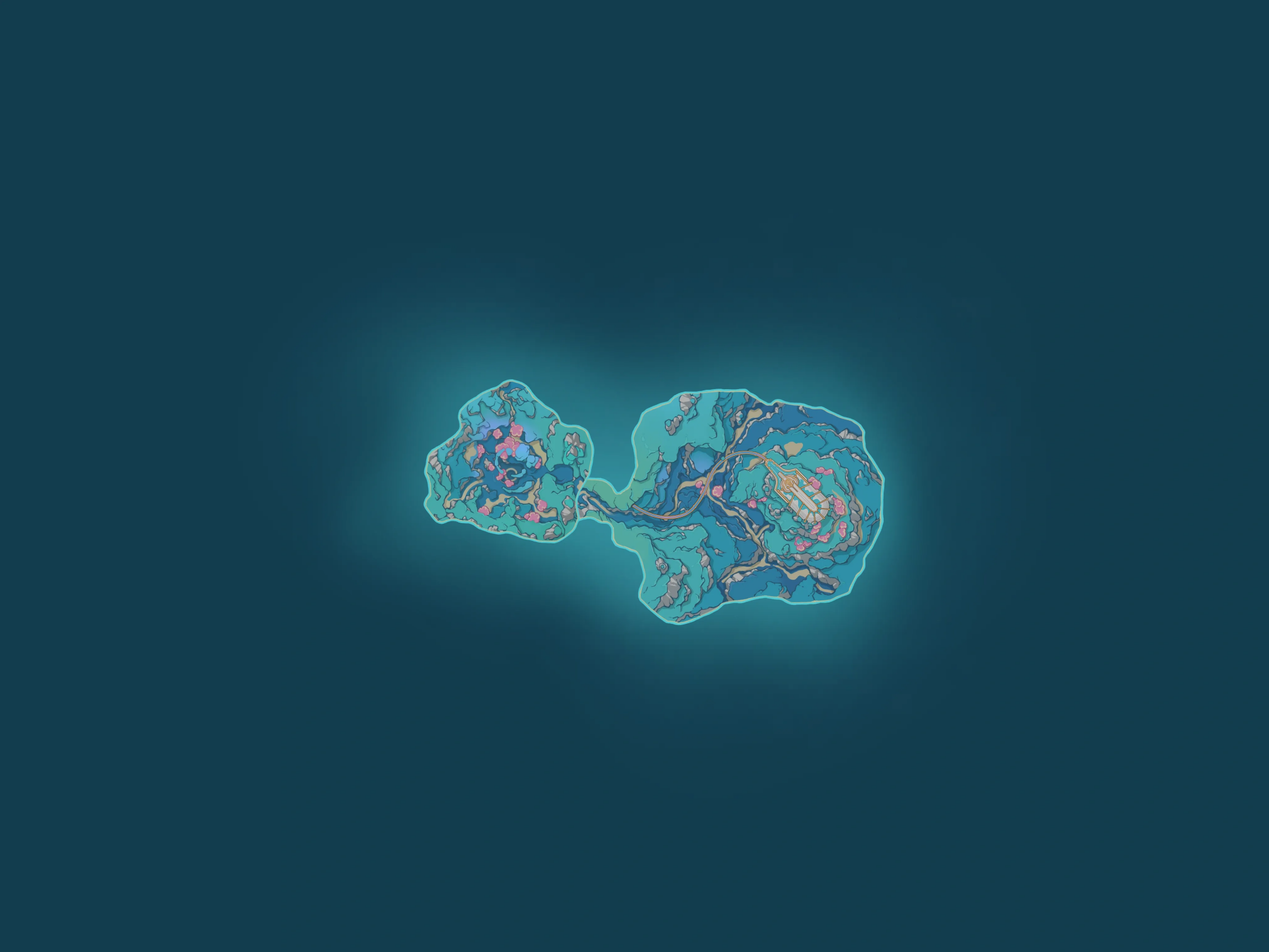
Ancient Sacred Mountain and Temple of Space — Natlan-related and Mondstadt-related instance maps.
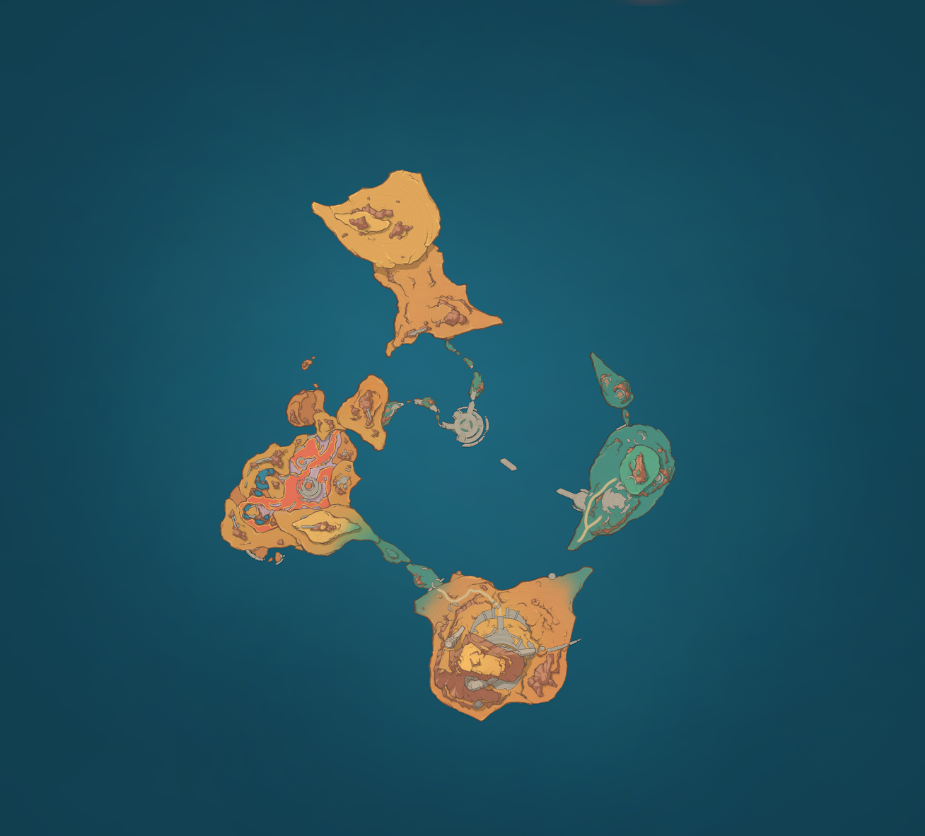
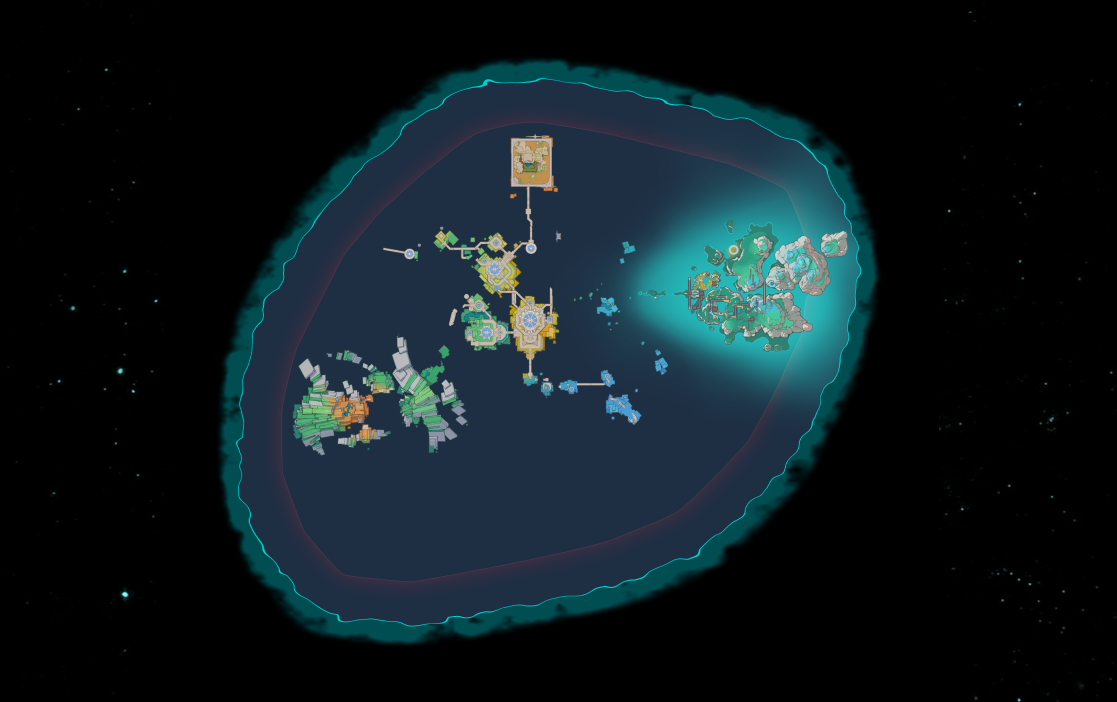
Frostmoon — Nod-Krai / Frostmoon exploration layer when Hoyolab publishes tiles for it.
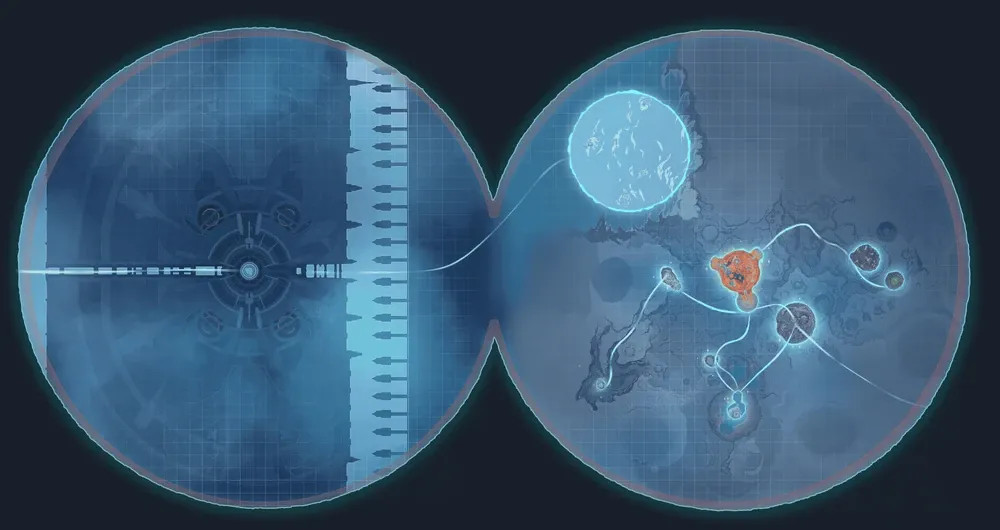
Golden Apple Archipelago and some event islands may not expose terrain in the public API between reruns — when tiles are missing here, they are usually missing on HoYoLab too.
How to Use the Genshin Impact Interactive Map
1. Choose a Region
Open the map and select the nation or subregion you are currently exploring. Starting with one area keeps the screen readable and makes it easier to measure progress.
2. Filter the Markers
Turn off categories you do not need, then enable the collectible, enemy, material, or puzzle you are looking for. A focused map is much easier to follow than one displaying every available pin.
3. Zoom In and Check the Correct Layer
Zoom in to separate nearby markers and inspect their precise positions. In multi-level areas, switch between surface, underground, underwater, or elevated layers before deciding which Teleport Waypoint to use.
4. Open a Marker for More Context
Select a pin to review the location information available on the map. Notes, images, or route details can help you identify cave entrances, quest requirements, and landmarks that are not obvious from the world view.
5. Mark Completed Locations
Mark a pin after collecting the item or completing the objective. Consistent progress tracking prevents repeated trips and makes the last few missing collectibles much easier to identify.
6. Build a Route Around Teleport Waypoints
Group nearby markers into a simple loop. For repeatable farming, shorter regional routes are usually faster and easier to remember than one long route covering an entire nation.
Tips for Faster Exploration and Farming
- Explore One Subregion at a Time
Clear a single island, valley, desert sector, or city district before moving on. This creates a clean boundary between completed and unfinished areas and reduces backtracking.
- Complete Major World Quests First
Regional quest chains can open caves, remove barriers, change terrain, unlock travel systems, or reveal new map layers. If a pin seems impossible to reach, check whether the surrounding area is tied to an unfinished World Quest.
- Unlock Travel Points Before Collecting Everything
Activating Waypoints and Statues first makes every later farming route faster. It also reveals more of the in-game map, making it easier to compare your current position with the interactive map.
- Avoid Showing Every Marker at Once
Too many visible pins make dense areas difficult to read. Work in goal-based passes: Oculi first, then chests, then puzzles, or one ascension material at a time.
- Use the Map as a Second Screen
On PC or console, keep the map open on a phone or tablet. On mobile, open it in a browser and switch back to the game after checking the next point. This is faster than repeatedly reopening separate written guides.
Who Is This Map For?
The BuffBuff Genshin Impact Interactive Map is useful whether you have just reached Mondstadt or are finishing the newest region.
- New players can unlock Waypoints, gather early ascension materials, and learn how each region connects.
- Returning players can quickly review permanent areas added during the updates they missed.
- Completionists can work through remaining chests, Oculi, puzzles, achievements, and exploration objectives.
- Character builders can create efficient routes for local specialties, enemy drops, ores, and bosses.
- Achievement hunters can narrow the search for regional challenges and hidden exploration objectives.
Start Exploring Teyvat with BuffBuff
Whether you need one final Oculus, a reliable material route, or a clearer view of a complicated underground area, the BuffBuff Genshin Impact Interactive Map helps turn a broad search into a precise plan. This community-updated map will stay aligned with the latest Genshin Impact updates, adding new markers, layers, and exploration details as soon as new content drops. If you want to get the most out of the new Genshin Impact update, don’t forget to top up your Crystals at the best prices on BuffBuff.
Pull up the map, pick your next target, and start filling out that exploration percentage today.
[Open the BuffBuff Genshin Impact Interactive Map]

Genshin Impact is an open world action RPG that combines exploration, character collection, and elemental combat.