Popular Games
 All Games












Extra Bonus

 Log in to get 50 points (0.50 USD) + 1 points (0.01 USD)
Rise of Kingdoms



Login To Claim












Rise of Kingdoms Top Up Buy Cheap Gems at 21% Off
To top up Gems in Rise of Kingdoms, please provide
- Login Model:Google, facebook or Official account
- Game uid: your account
- Password
*Notice:Ensure all details are accurate. Double-check your information when topping up.
Rise of Kingdoms Top Up Process on BuffBuff
-
Select the product and quantity you need.
-
Choose login model and enter your Rise of Kingdoms account name.
-
Click “Top Up” and verify your account information.
-
Select a payment method .
-
Track your order in the Order Center. Once completed, confirm the Gems in the game.
Have Doubt? Click "Customer Service" button in the bottom of right corner.
About Rise of Kingdoms
The Use of Gems in Rise of Kingdoms
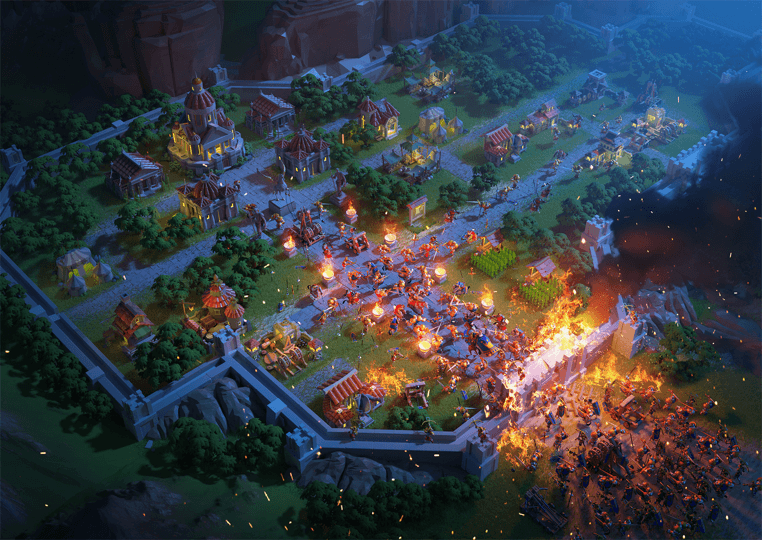
In Rise of Kingdoms, gems are undoubtedly the most valuable resources. Unlike resources such as lumber and food that are accumulated for specific purposes, gems serve as a premium currency that permeates every aspect of game.
Use Gems to:
• Purchase items from the Mysterious Merchant, Shop, or VIP Shop.
• Exchange for VIP Points on the VIP screen.
• Speed up training, research, and construction.
With Gems, you can skip wait times, access exclusive content, and enhance your overall gameplay.
What should I spend Gems from a Rise of Kingdoms top up on?
You should prioritize spending them on VIP points until you reach VIP level 10 to unlock daily Legendary Commander sculptures. Once you secure those permanent buffs, you can use your Rise of Kingdoms top-up funds to buy Books of Covenant for your castle upgrades. This is the best method to maximize your money.
Does a Rise of Kingdoms recharge help with commanders?
Yes, getting resources quickly helps you max out powerful commanders like Minamoto for a huge early-game advantage. Just plan your Rise of Kingdoms purchase based on your civilization's specific combat needs.
Can I play or do a ROK top-up offline?
No. This is a Real-Time Strategy game where all battles and events happen live on the server. You need a stable internet connection to manage your city or complete a Rise of Kingdoms top-up.

Coupon Details

This account has already received the First Bonus, it will not be issued again this time