Popular Games
 All Games












Extra Bonus

 Log in to get 50 points (0.50 USD) + 1 points (0.01 USD)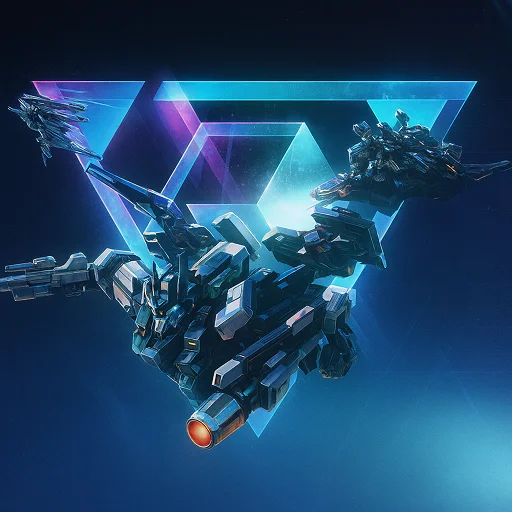
Mecha BREAK


Login To Claim






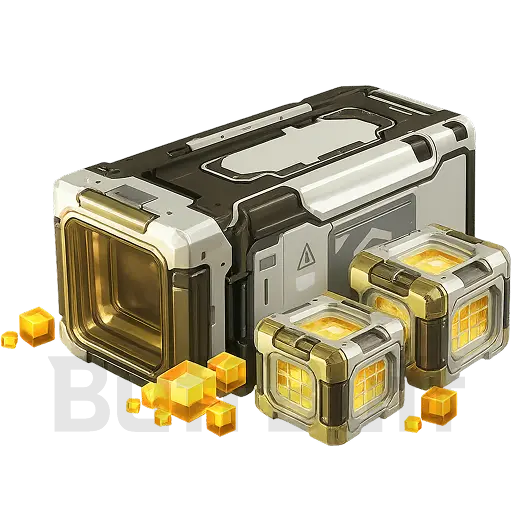
Mecha Break Top-Up Guide
Required Details:
-
Your Mecha Break UID (Copy-paste is recommended to avoid errors)
-
Game server (options: Asia-Pacific, N.America, S.America, Europe)
-
Please carefully verify all the information you submit to guarantee an unhindered transaction process.
How to Get Your UID in Game:
-
Choose your server region.
-
Go to "Pilot Report" found in the main menu.
-
Your personal game UID is displayed prominently at the top right of that screen.
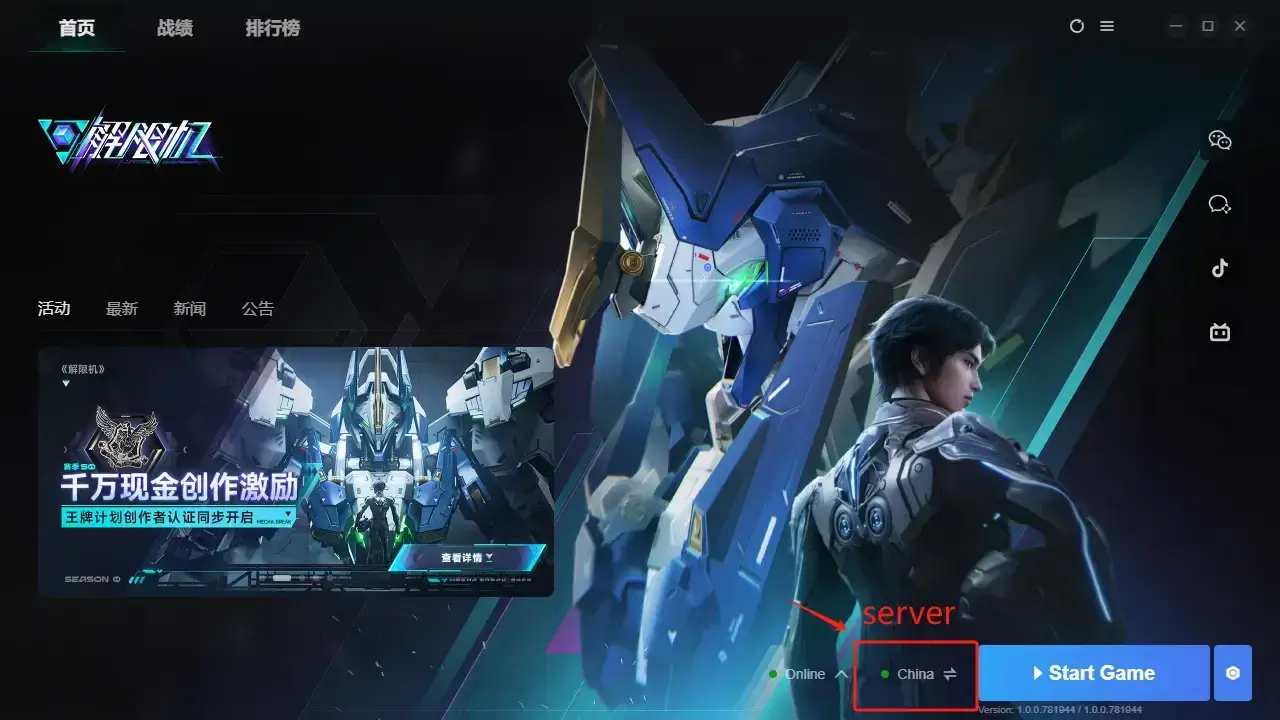
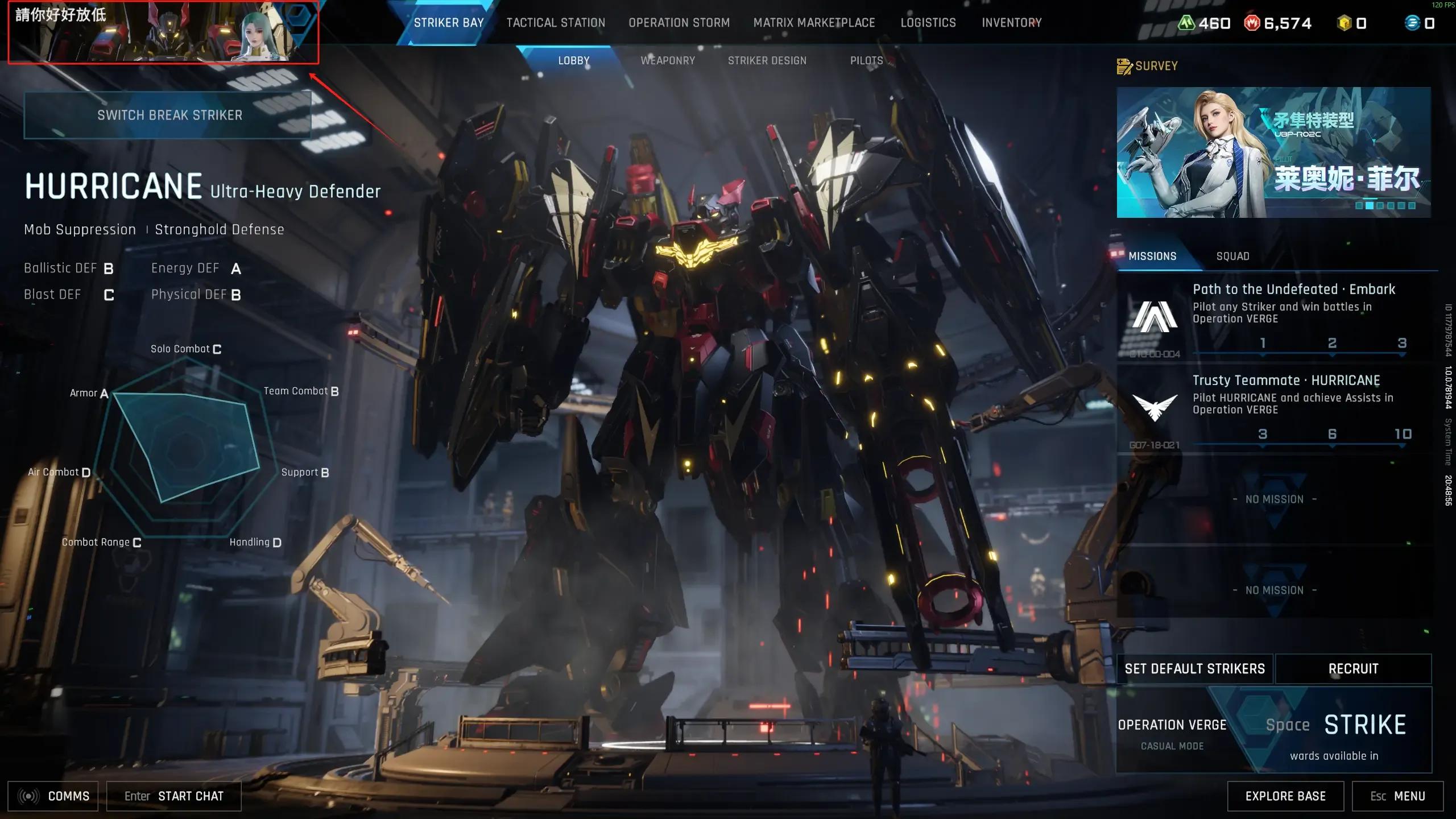
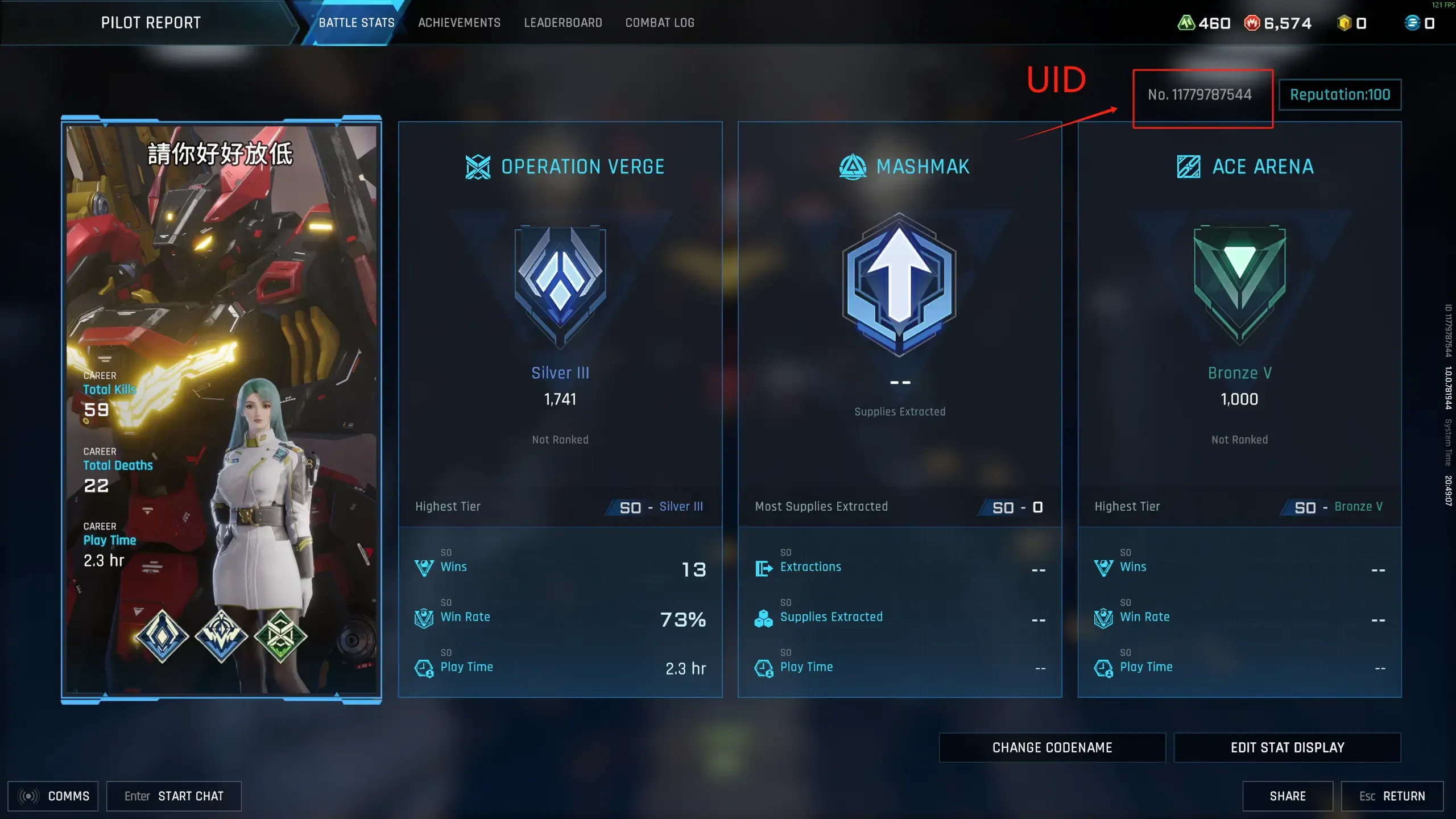
How To Top Up on Buffbuff:
-
Visit & Set Up: Go to the Buffbuff website and select your preferred language and currency.
-
Order Details: Choose your desired product, select the server region, enter your Mecha Break UID, and click “Top-up”.
-
Complete Payment: Select a payment method and finalize the transaction.
-
Confirm Delivery: You can track your order status in the order center. Once processed, please verify the top-up in your game.
Track your order in the Order Center. The results will reflect in your game after completion.
Need Help? Click the customer button in the lower-right corner of the website to contact our team.
About Mecha BREAK
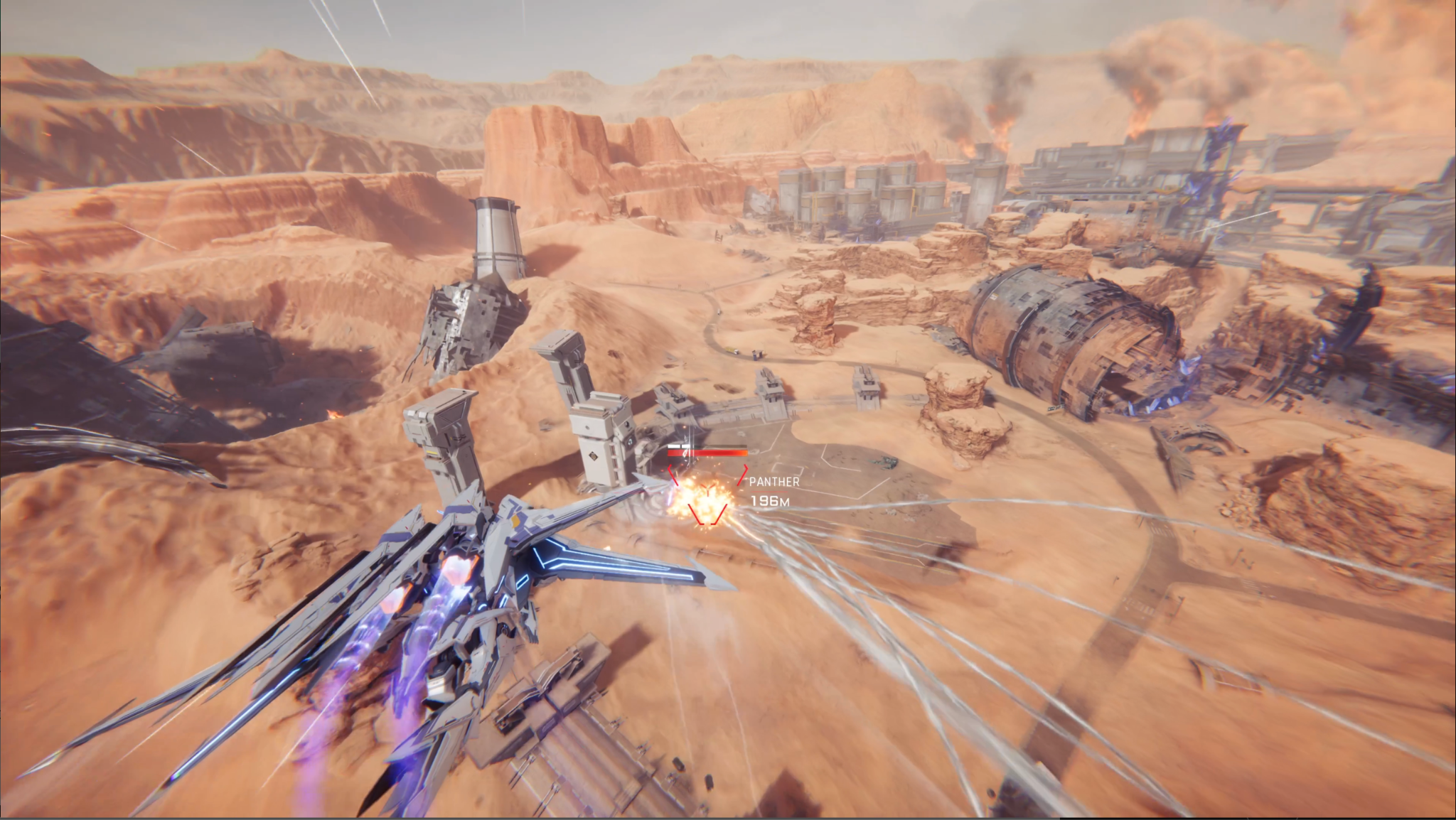
Join S.H.A.D.O.W and pilot custom mechs in a world changed by Corites. Choose either an attacker, defender, or support to dominate the battlefield. Master your Striker in high-speed combat to save humanity.
Fight in 3v3 arenas, team up for 6v6 missions, or raid the Mashmak Islands for loot. You can seize valuable resources in intense PvPvE extraction modes. Customize your mech with unique colors to stand out in every battle!
What’s Corite in Mecha BREAK?
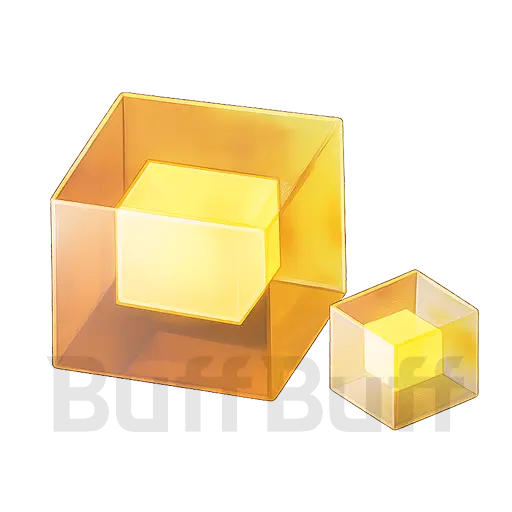
Corites are the premium currency that allows pilots to purchase exclusive skins and vital equipment. Getting a Mecha BREAK Corite top-up gives immediate access to these high-value assets.
Pilots use Corites to:
-
Purchase unique cosmetics.
-
Buy rare mods in the Matrix.
-
Upgrade Break Strikers faster.
Can be traded with high-end items in the Matrix Marketplace. While you can find small amounts of them during missions, many Pilots prefer to buy Corite Mecha BREAK packs on BuffBuff to stay ahead.
How to Get Corites in Mecha BREAK
You can earn them through chests in extraction zones, loot selling, or daily codes. However, these methods take time. For Pilots who want to upgrade immediately, the best solution is to top up mecha BREAK.
Many Pilots choose a Mecha BREAK top-up on third-party platforms for better deals. BuffBuff offers a secure Mecha BREAK Corite top-up that delivers Corites straight to your ID. We make the process fast so you can return to the Mashmak Islands equipped.
Can I use Corites from a Mecha BREAK top-up in the Matrix Marketplace?
Yes, using your funds here is one of the best ways to strengthen your mech. A Mecha BREAK top-up allows you to buy “God-roll” equipment instantly. This saves you from farming the dangerous extraction zones yourself.
Do I need to be logged out for the top-up?
No, our Mecha BREAK top-up system uses your User ID. When you buy Corite Mecha BREAK, we only require your specific server info to complete the secure delivery. Dob’t forget to restart your game client afterward to refresh your Corite balance.
Can I gift Corites to a friend?
Yes, you can easily purchase funds for a squadmate if you know their User ID and server. A Mecha BREAK top-up is the perfect way to help them unlock a Battle Pass before a major tournament.
Get BuffBuff App


scan to download

Coupon Details

This account has already received the First Bonus, it will not be issued again this time





Log in to unlock BuffBuff VIP perks.
Log in to unlock BuffBuff VIP perks.