 Popular Games
 All Games




Details
User Reviews(0)






BuffBuff Security Guarantee
 Log in to get 50 points (0.50 USD) + 0 points (0 USD)
To PaySaved $0.11Price details$0.9
Extra Bonus
Log in to get 50 points (0.50 USD) + 0 points (0 USD) 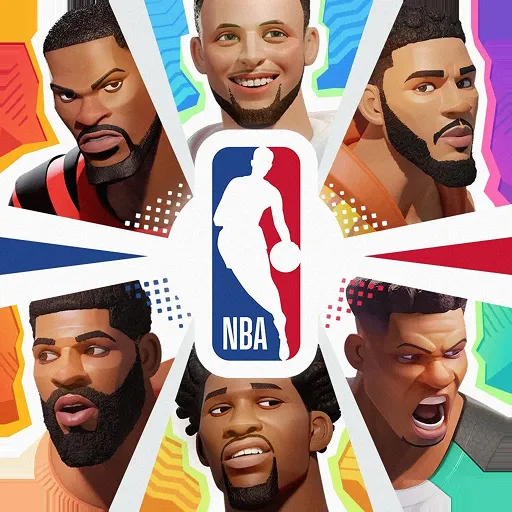
Dunk City Dynasty Top Up



60 Tokens
$0.76
$1.01
-$0.25

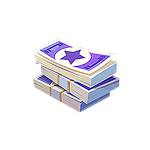
300+30 Tokens
$4.38
$5.61
-$1.23

980+130 Tokens
$12.22
$16.28
-$4.06
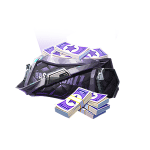
1980+300 Tokens
$26.29
$33.67
-$7.38
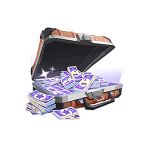
3280+600 Tokens
$43.82
$56.12
-$12.30
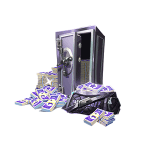
6480+1630 Tokens
$76.3
$101.15
-$24.85
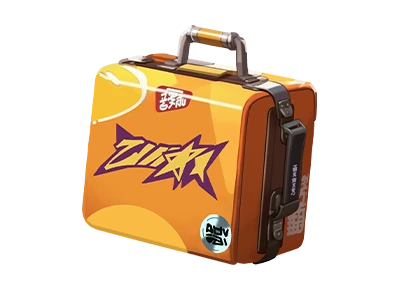
Superstar Pack
$1
$1.2
-$0.20
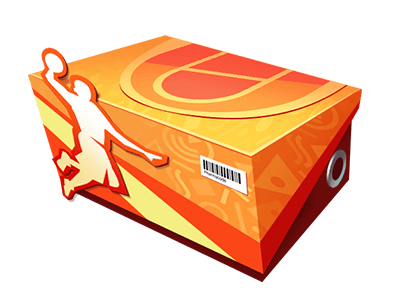
Rookie Gift Pack(Limit 1)
$2.81
$3.36
-$0.55
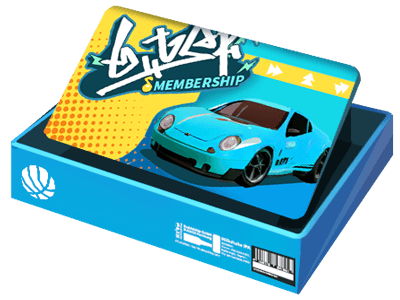
Party Membership (Limit 6)
$4.69
$5.61
-$0.92
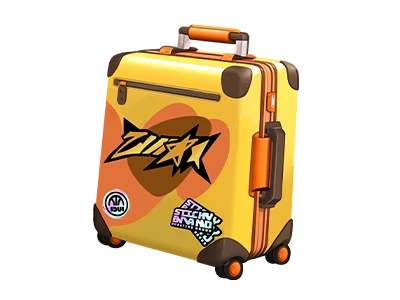
Superstar Warmup Pack
$5.04
$6.04
-$1.00
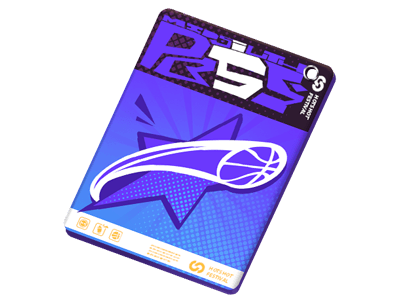
Premium Pass(Limit 1)
$5.07
$6.06
-$0.99
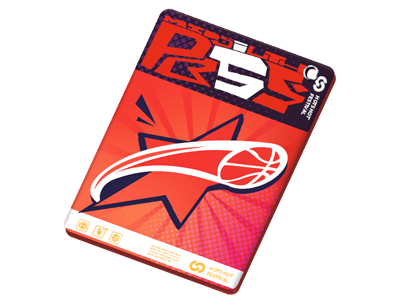
Extra Premium Pass(Limit 1)
$8.45
$10.11
-$1.66
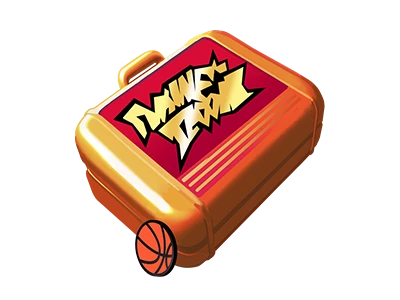
Fashion Pack
$10.09
$12.09
-$2.00
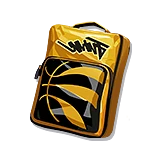
Star Player Treasure
$10.09
$12.09
-$2.00
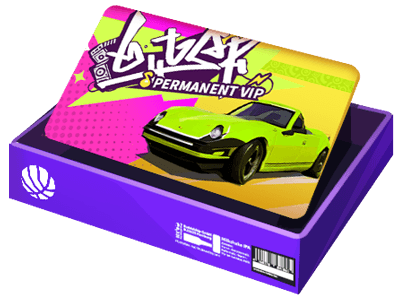
Party Permanent Vip(Limit 1)
$13.61
$16.28
-$2.67
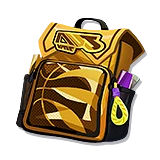
Star Player Sparkle Pack
$20.19
$24.19
-$4.00
Show More
How to top up Dunk City Dynasty Token on BUFFBUFF?
-
Select the Tokens denomination.
-
Enter your User ID and Server.
-
Check out and select your payment method.
-
Once payment is made, the Dunk City Dynasty Token will be active to your account instantly.
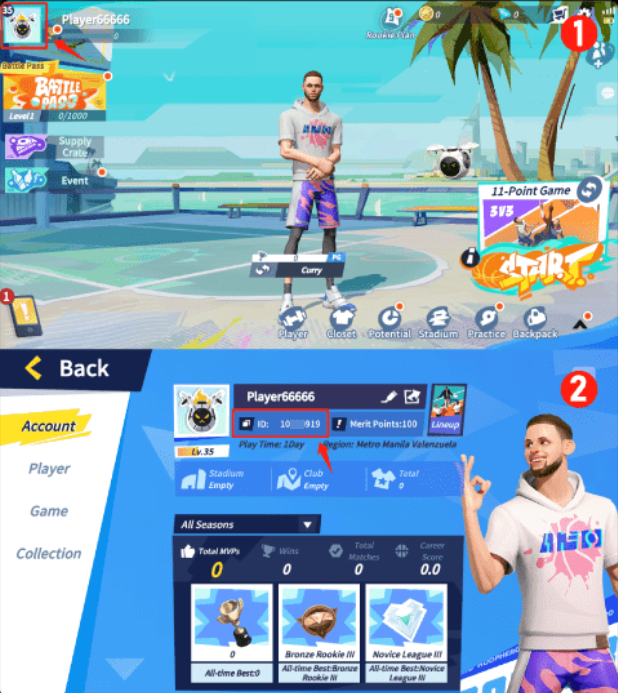
How to find Dunk City Dynasty User ID and Server?
-
Log in to the game using your account.
-
On the main page, your server will be displayed in the center.
-
On the game page, click the avatar in the top-left corner.
-
Your User ID will be shown under your nickname.
Get BuffBuff App

500k+Trusted Users

scan to download

Coupon Details

100%OFF
(Up to $1)

This account has already received the First Bonus, it will not be issued again this time
Payment environment is being tested



Surprise Coupon!
OFF
(Up to )Up to
Expires in days hours minutes
Countdown:
::

