Popular Games
 All Games












Extra Bonus

 Log in to get 50 points (0.50 USD) + 1 points (0.01 USD)
Destiny: Rising (Third-party top-up)











How to top up Destiny Rising on BUFFBUFF?
Top-up instructions
1. Select the product you wish to purchase.
2. Select the Login method, including Referral Account, Google Account, and Facebook Account.
● Select the server id, namely NA, EMEA, APAC, and LATAM.
● UID
● password
● roleid
● userid
3. Choose your preferred payment method, then click Top up and make the payment.
4. Check the top-up status in the order center. Once the top up is finished, check the result in the game.
5. If you encounter any issues, please contact us at:
📧 service@buffbuff.com or Telegram.
How to Find Your Destiny Rising UID and Server?
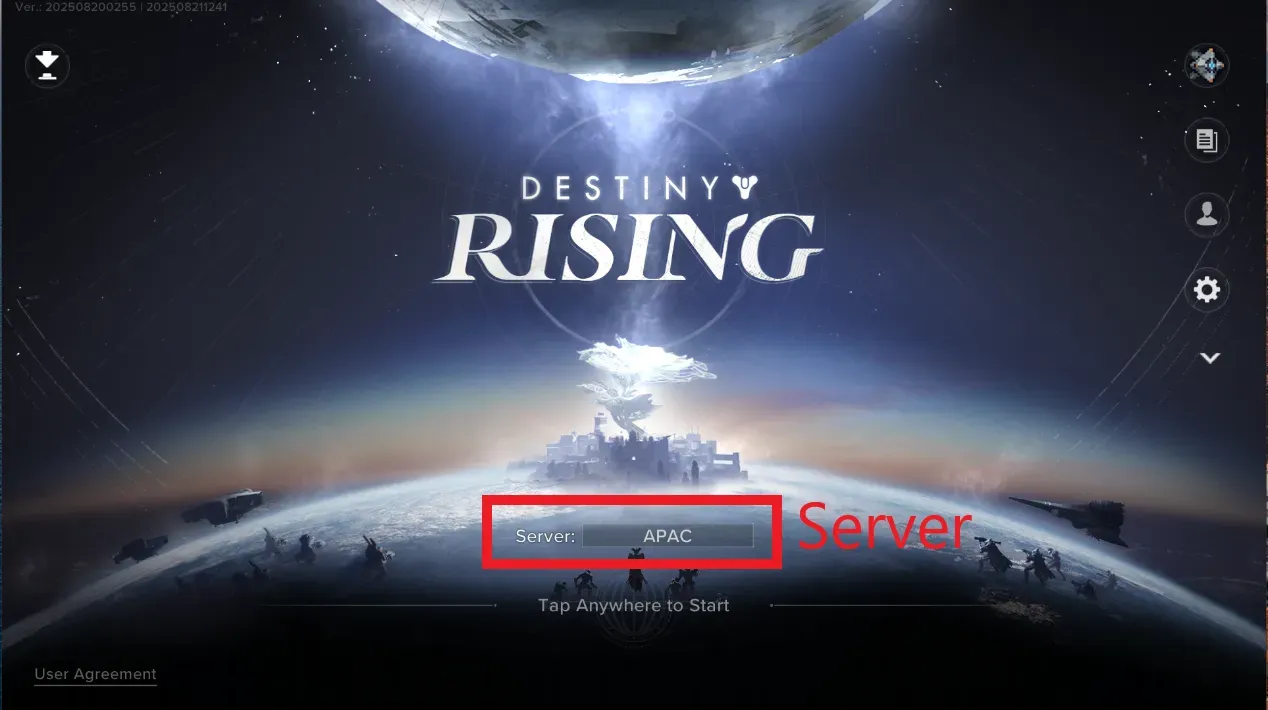
1. Log into the Destiny Rising with your account.
2. Your server will appear on the login screen.
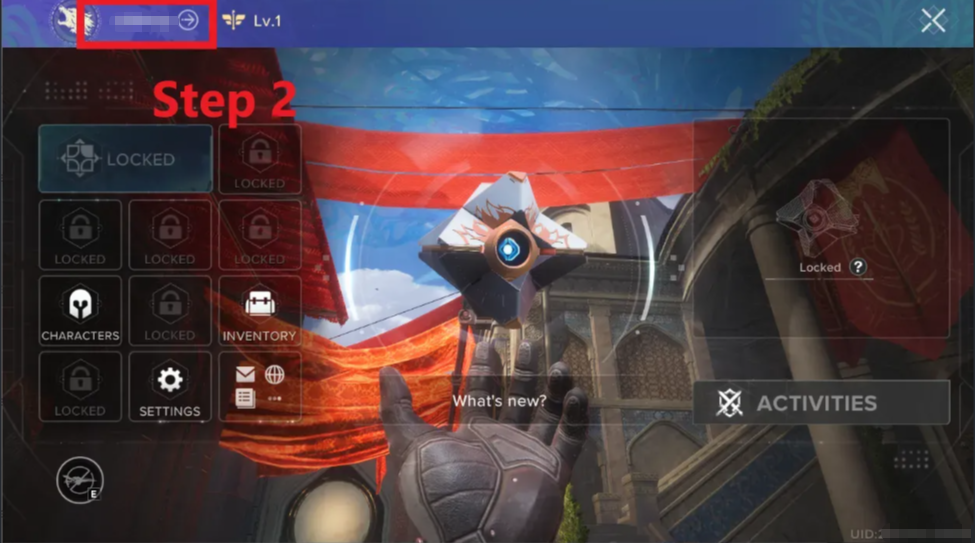
3. After logging in, click the menu in the top-left corner.

4. Then click your profile in the top-left corner.
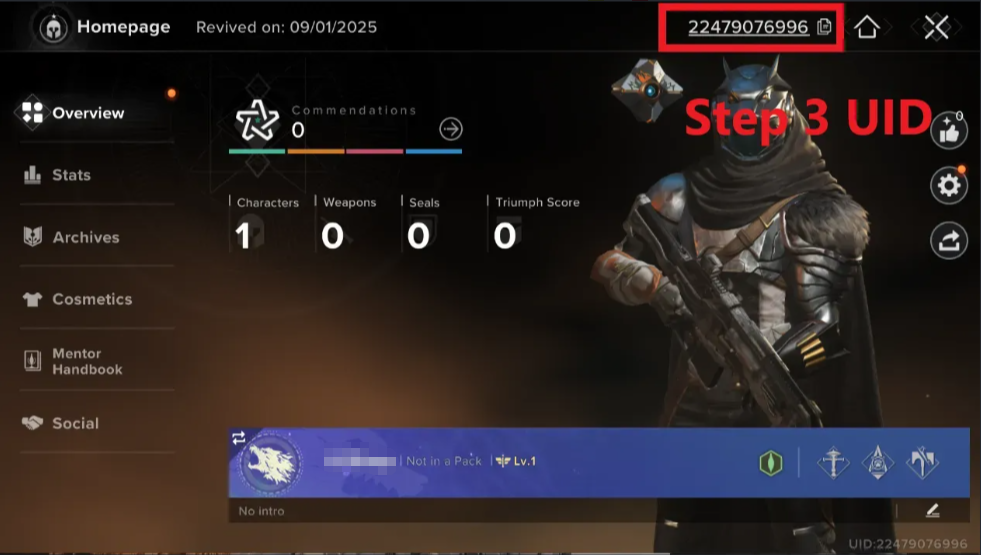
5. Your Destiny: Rising UID will be displayed at the top of the profile page.
About Destiny: Rising (Third-party top-up)
Destiny: Rising takes the legendary sci-fi shooter to your mobile. This RPG shooter is developed by NetEase and set in a new post-Dark Age era. You become mighty Heroes possessing special powers to combat alien menaces and rescue the world.
This game features intense combat and a massive shared world, and delivers console-quality action on the go. The fresh story in the Destiny universe offered appeals to both veteran fans and new players.
What's Silver in Destiny: Rising?
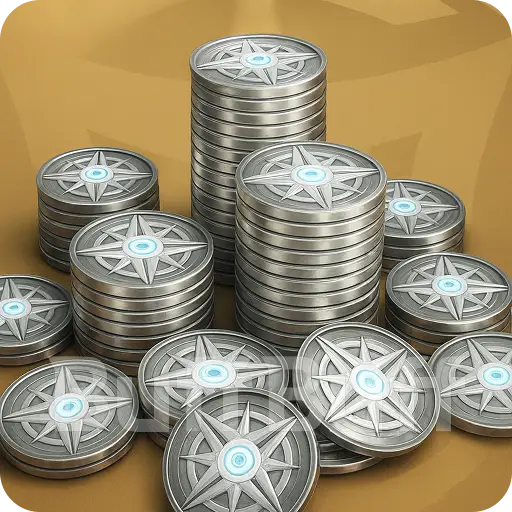
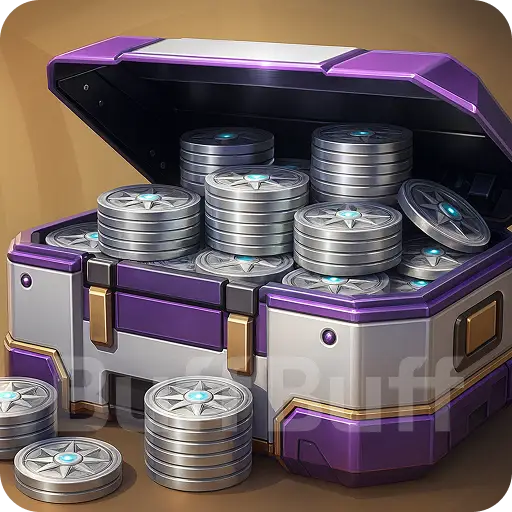
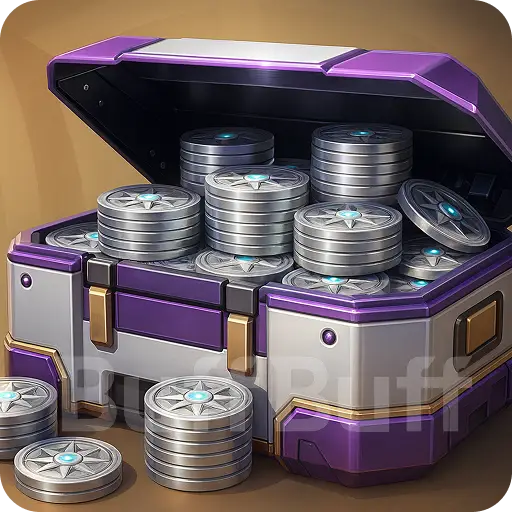
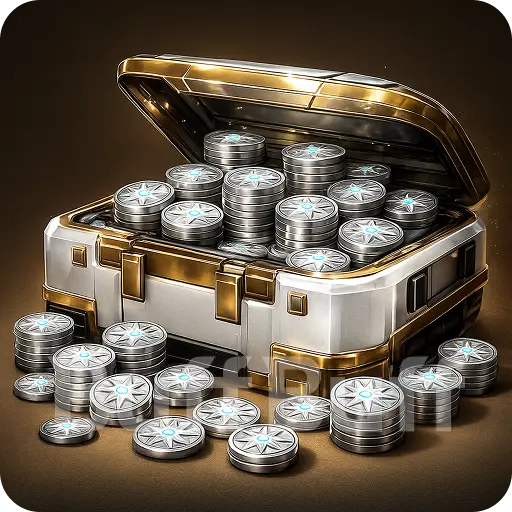
Silvers are an in-game premium currency used to customize your Heroes and upgrade your adventure in the game. While Glimmer covers basic upgrades, a Destiny Rising silver top-up is the key to unlocking the full premium experience.
You use Silver to unlock and access:
-
stylish cosmetic skins
-
exclusive items
-
special bundles
To get these perks instantly without the wait, you can top up Destiny Rising Silver directly here on BuffBuff.
How to Get Silvers in Destiny: Rising?
You can grind for resources in-game, but getting a Destiny Rising Silver top-up is the most effective method. While the in-game store is an available option, smart players prefer a third-party Destiny Rising top-up via BuffBuff for better convenience and speed.
BuffBuff offers a secure shortcut for your Destiny Rising silver top-up. Just select your pack, enter your login details, and complete the payment. We instantly credit the Silver to your account so you can get back to the action immediately.
FAQs
Is getting a Destiny Rising top-up on BuffBuff safe?
Yes, your security is our priority. We work directly with official distributors to ensure every Destiny Rising top-up is legitimate. You can top up Destiny Rising safely here without worrying about getting banned.
How long does the delivery take?
We usually deliver your Destiny Rising top-up immediately. However, network delays might take up to 5 minutes. We will notify you via email as soon as the process is complete.
Why should you choose BuffBuff to top up Destiny Rising?
We improve your gaming experience with speed and trust. Players rely on us for their Destiny Rising top-up needs because our process is simple, letting you handle transactions quickly so you can focus on fighting alien threats and saving the world.
User Reviews




Get BuffBuff App


scan to download

Coupon Details


This account has already received the First Bonus, it will not be issued again this time