Popular Games
 All Games










Extra Bonus

 Log in to get 50 points (0.50 USD) + 4 points (0.04 USD)
Clash Royale




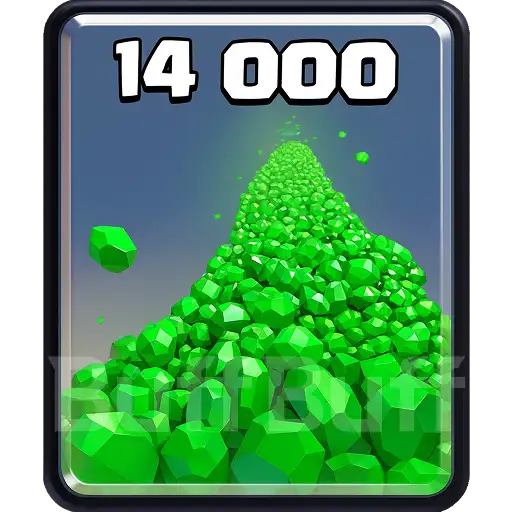
Clash Royale Top Up — Buy Cheap Gems Up to 20% OFF
Details We'll Need for Your Clash Royale Top-Up
-
Gameuid is your Supercell ID (Email Address)
-
In-Game Character Name
-
Verification Code
Important Tips Before You Start:
To top up, we require your game login details to process the recharge for you.
For this to work smoothly, please stay out of the game until we're done and it's a great idea to change your password afterwards.
Double-check your info! Accurate details ensure your top-up is completed without any issues.
Simple Steps to Top Up Clash Royale:
-
Pick a product from the list.
-
Enter your Clash Royale account info and hit "Top Up".
-
Pay with your preferred method.
Track your order in the Order Center. The results will reflect in your game after completion.
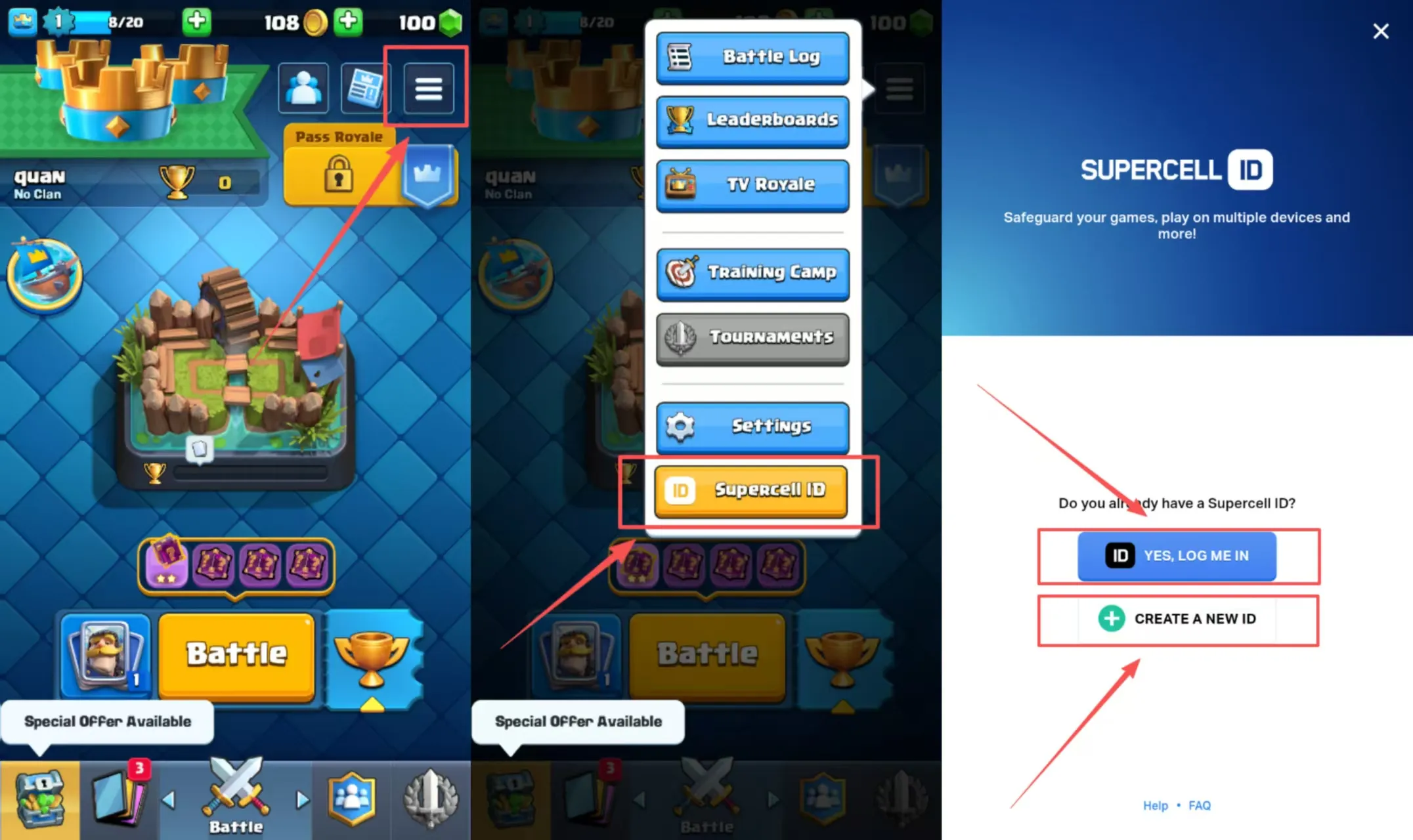
Please make sure the Supercell ID is bound in advance
-
Launch the game.
-
Go to Settings.
-
Tap "Supercell ID" (may say "Connect").
-
Click button"Create A NEW ID" or "YES, LOG ME IN"and follow the steps on screen.
-
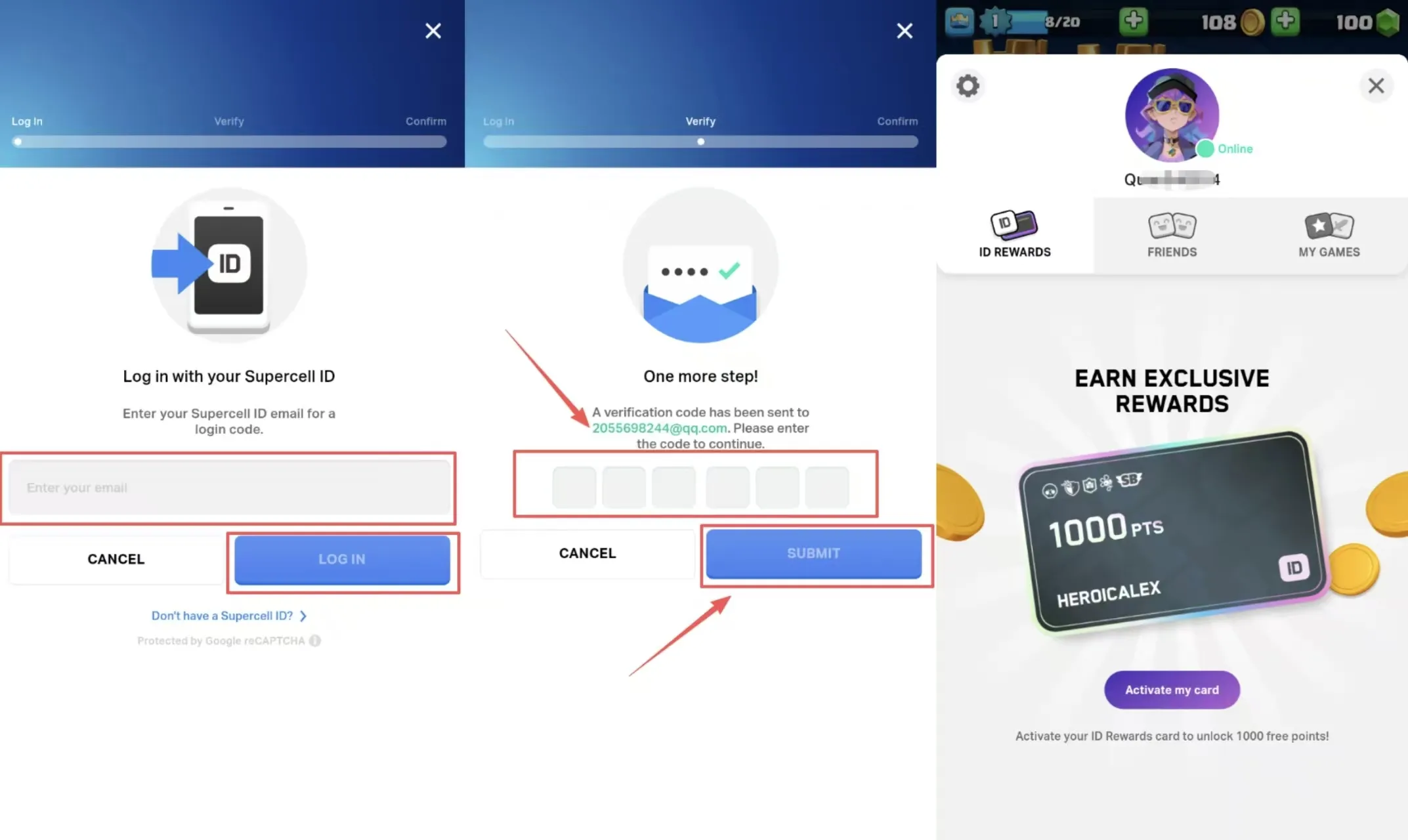
Enter your email and check for a 6-digit code.
-
Type in the code and press "Submit" to finish.
About Clash Royale
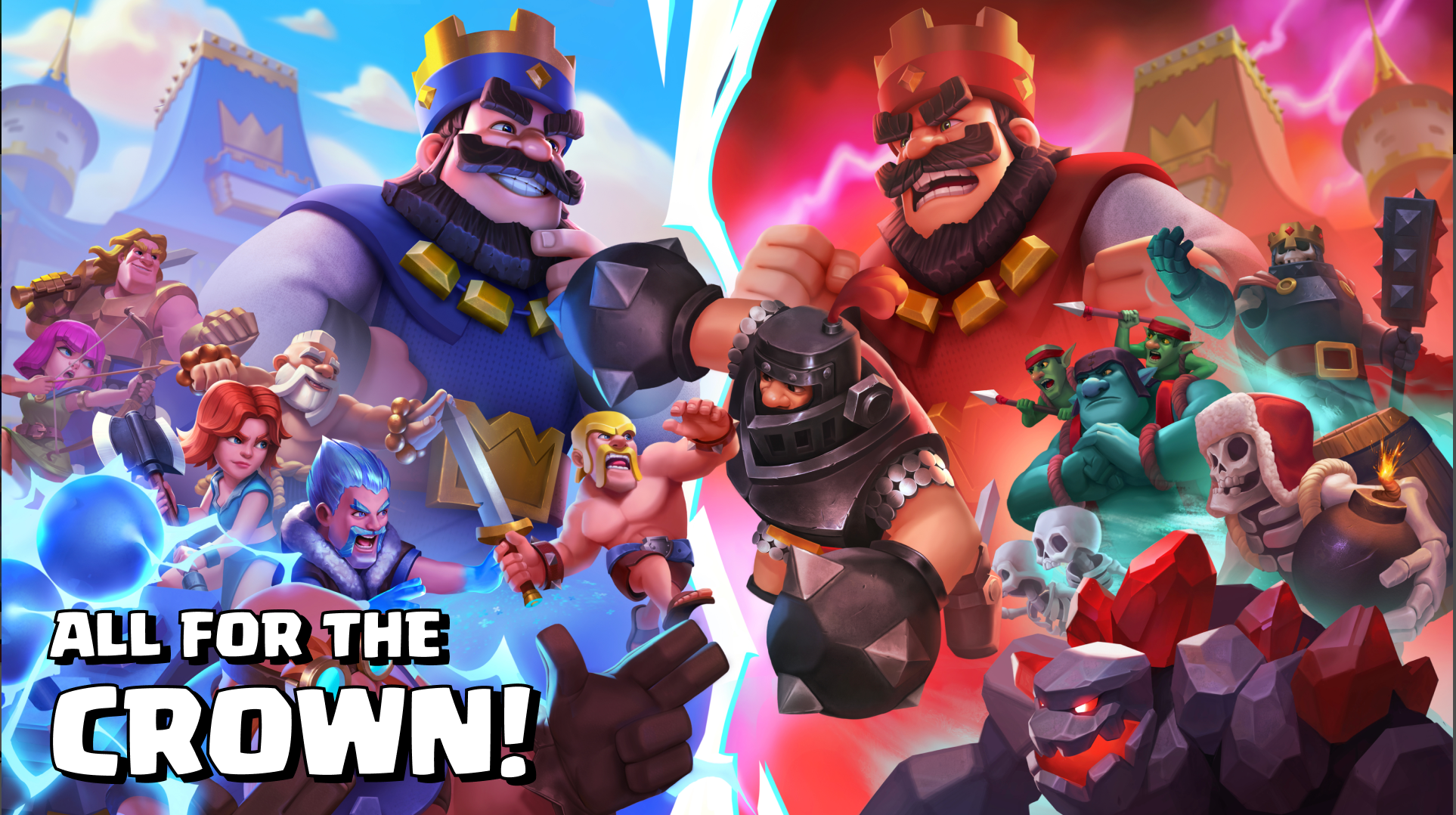
Enter the Arena and destroy enemy towers in this fast-paced Clash Royale. You must build a unique Battle Deck and defend your King using smart strategy and quick reflexes. This game mixes tower defense with card collecting.
Collect and upgrade over 100 different cards to power up your favorite troops and spells. You can join a Clan to share essential items and fight in wars for big rewards. Master your skills to progress through new Arenas and unlock powerful champions!
What’s Gem in Clash Royale?
Gems are the game's premium currency that prepares your Battle Deck to fight. With Clash Royale Gems, you can shortcut waiting time and get access to powerful items instantly.
Players use Clash Royale Gems to:
-
Buy Gold, Cards, & Emotes.
-
Skip request times or unlock tiers.
-
Enter special challenges and Global Tournaments.
If you need Clash Royale cheap Gems fast, a Clash Royale top-up on BuffBuff is the best solution. It’s the easiest way to buy CR Gems and boost your account immediately.
How to Get Gems in Clash Royale
Free Clash Royale Gems can be obtained by opening chests or ascending the Trophy Road. But these rewards are earned by grinding, which is time-consuming and slows down upgrades of your cards. Smart players choose a faster route with a Clash Royale top-up on BuffBuff.
We offer Clash Royale cheap Gems so you can save money while progressing. Simply select your pack to buy CR Gems instantly. We will send Clash Royale Gems straight to your account so you can focus on winning.
What’s the best way to spend Gems?
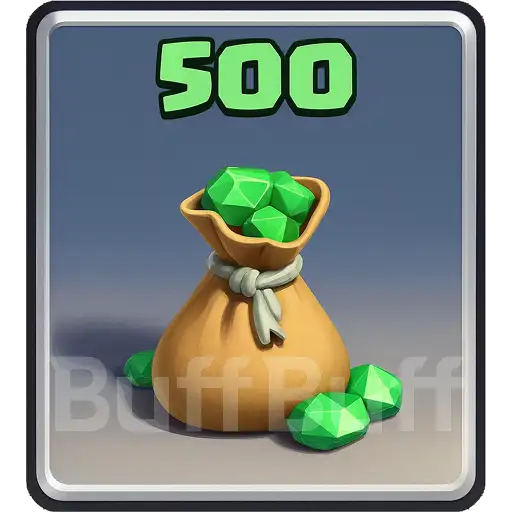
Using your Clash Royale Gems for Global Tournaments to get the maximum value. If you reach 10 wins, you can spend 500 gems to unlock “Bonus Rewards”. This offers far better rewards than standard shop items, so make sure to buy CR Gems wisely.
What are “Negative Gems”? Will I get them?
“Negative Gems” happen when players use illegal sources that refund money after delivery, leaving the account in debt. BuffBuff ensures every Clash Royale top-up uses 100% official payment channels. You can rest assured that your account is safe from bans or deductions.
What happens if I buy CR Gems during a maintenance break?
The game often has short breaks for balance updates. If you make a Clash Royale recharge during maintenance, your items will arrive immediately after the servers come back online. You can still purchase Gems anytime without losing your order.
User Reviews







Get BuffBuff App


scan to download

Coupon Details


This account has already received the First Bonus, it will not be issued again this time